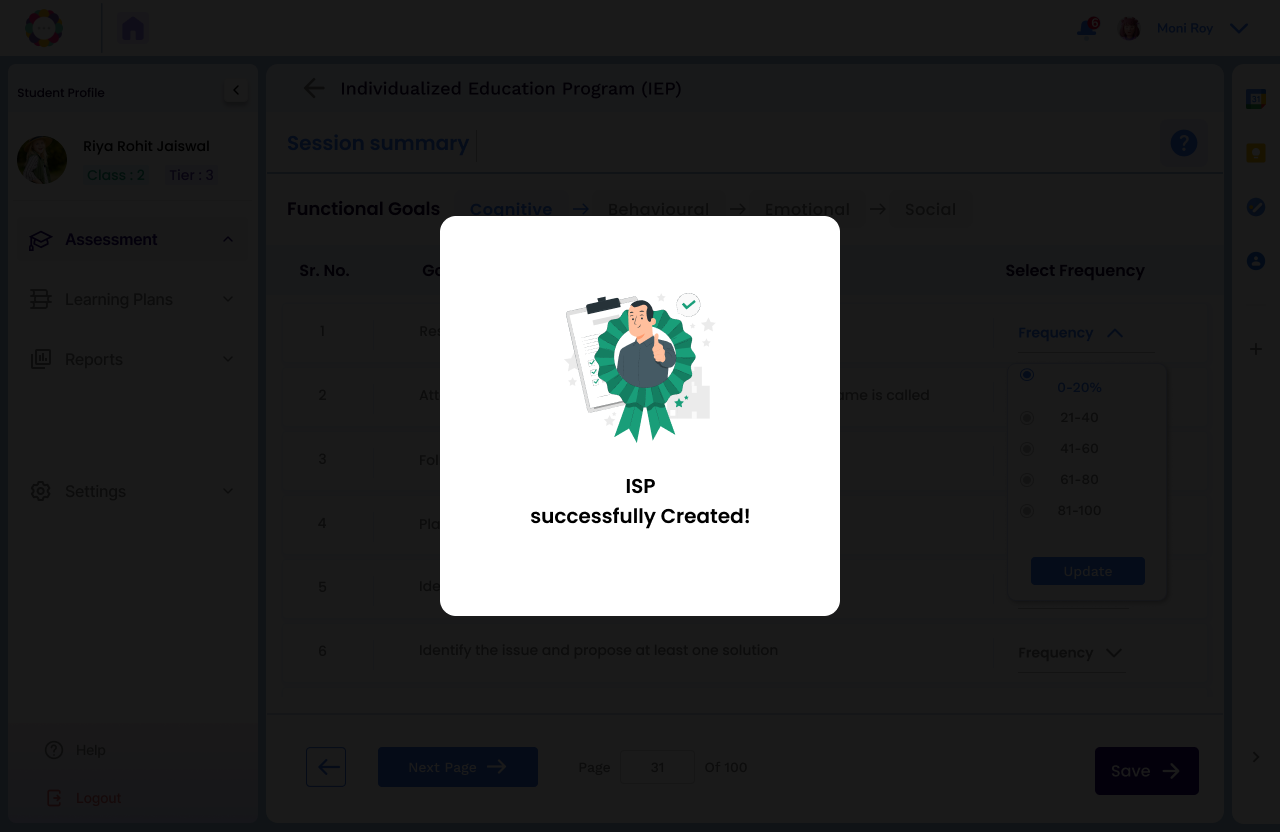
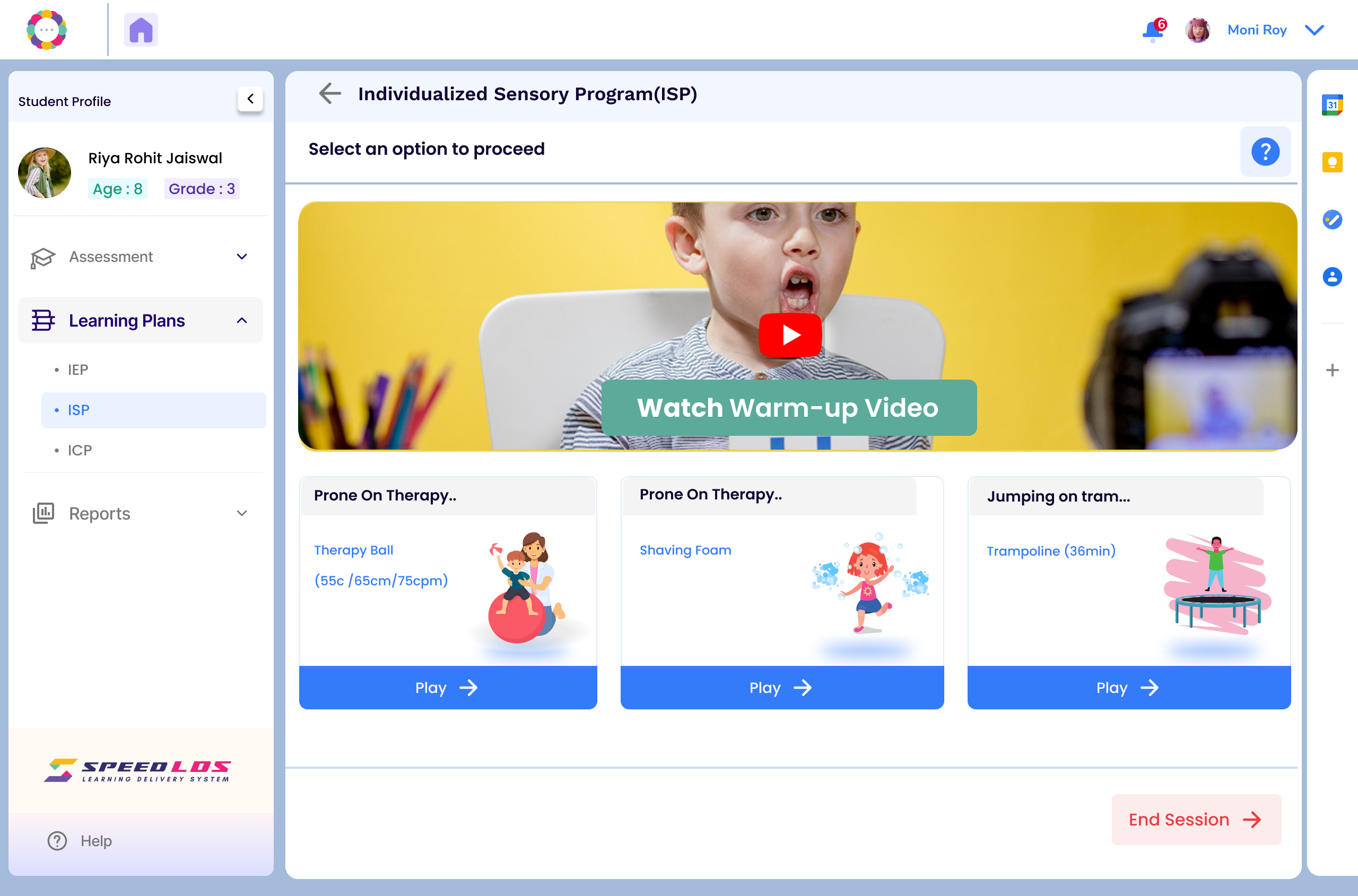
The Individualized Sensory Plan (ISP) is automatically suggested after an assessment if cognitive or behavioral support is required. It can also be manually created by the teacher or school expert when any learning or behavioral challenges are identified.
Go to the Student section
Select the desired student, go to the Learning Plan section, and click on ISP
Click “Create”, then select the sensory area that requires training (e.g., Auditory, Visual, Tactile).
If you would like to add any functional goals to the list you could select from the cognitive, behvaioural, emotional and social goals.
Click on Next.
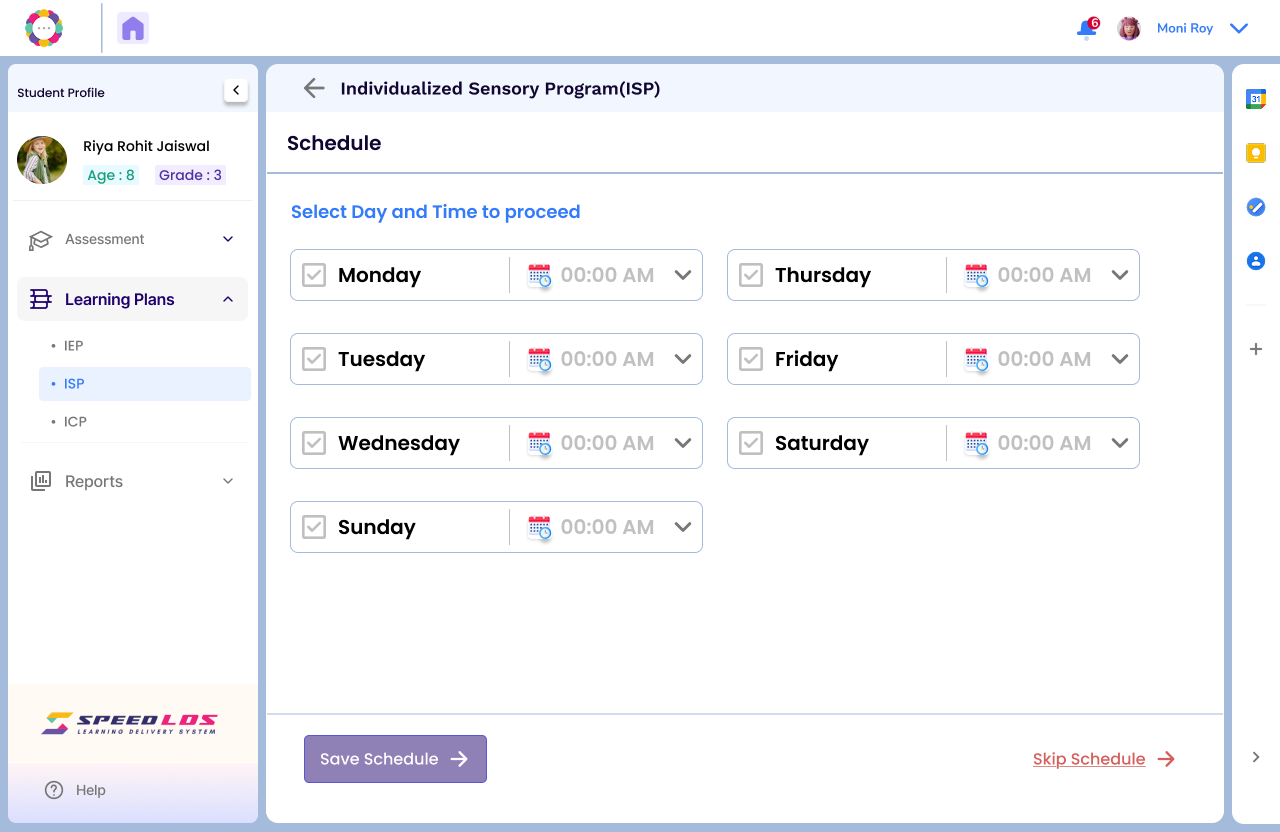
Select the schedule — set the days and time for the ISP sessions.