Step 1: Open the Student Profile
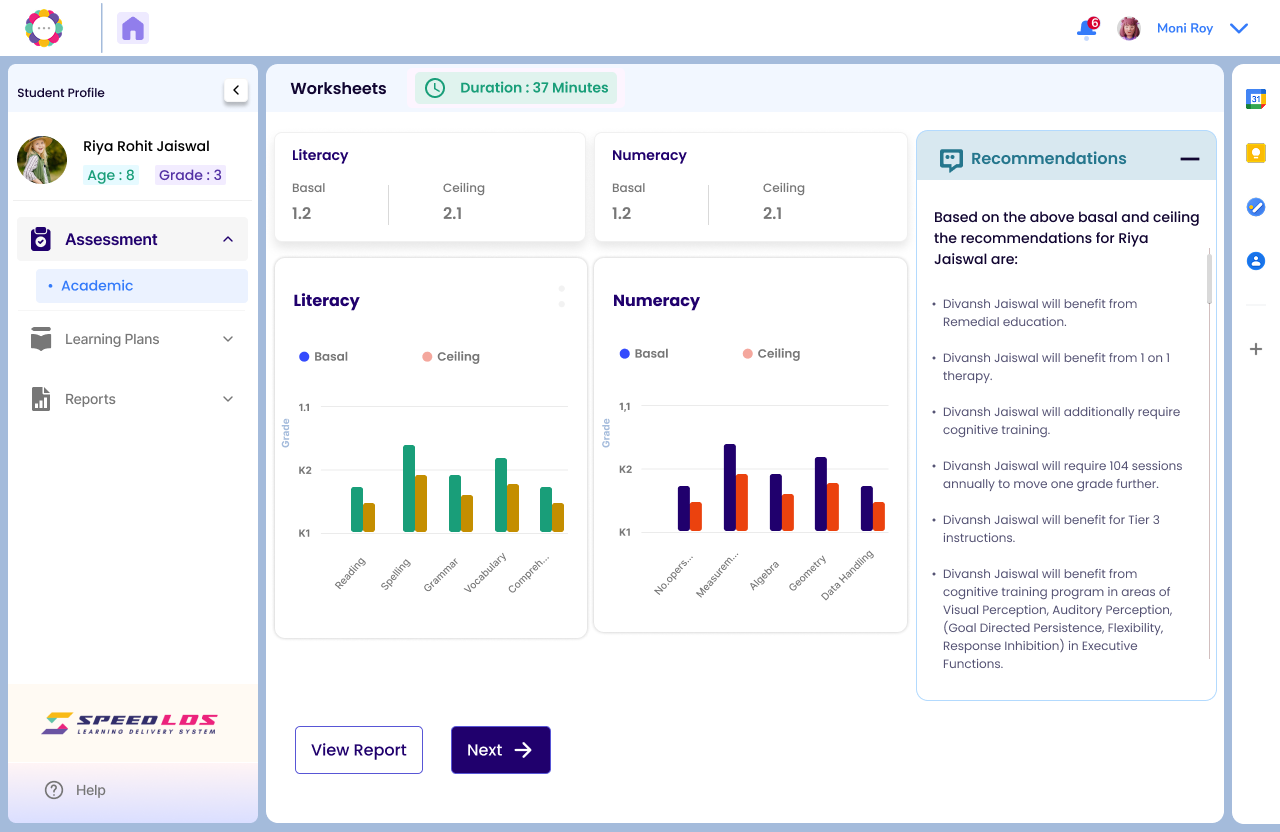
From the Student Dashboard, click on the name of the student whose Tier you wish to review or update. This opens the student’s profile page.
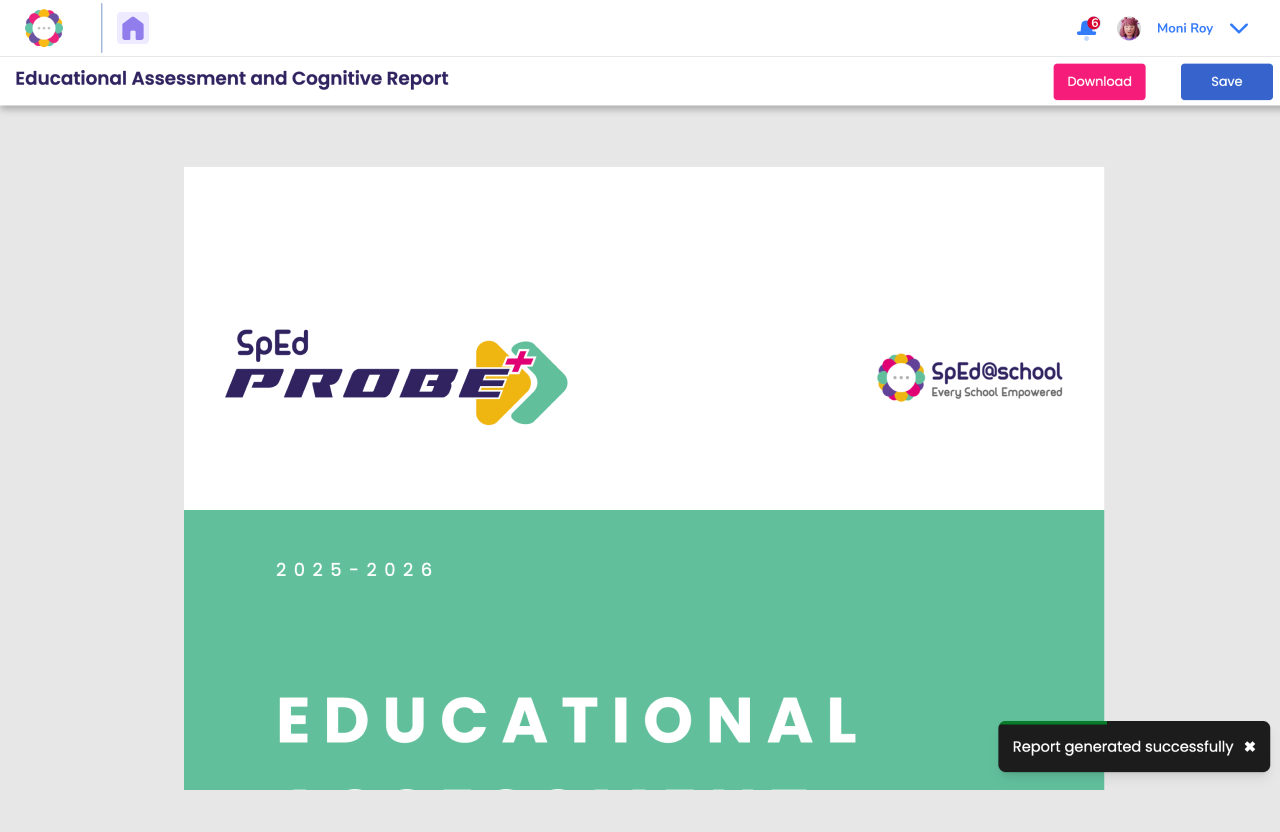
Step 2: View the Assessment Report
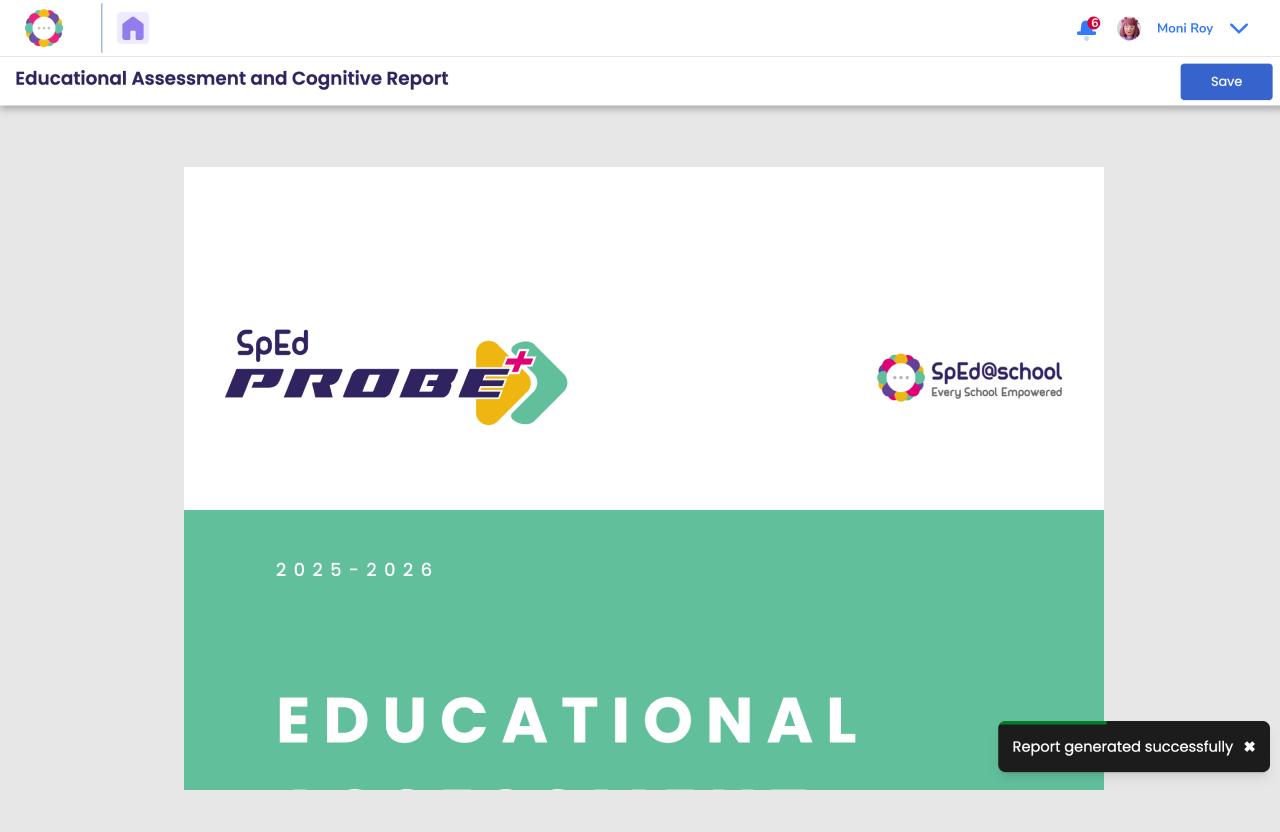
Important: Do not click “Save” until you’ve reviewed and made any required changes.
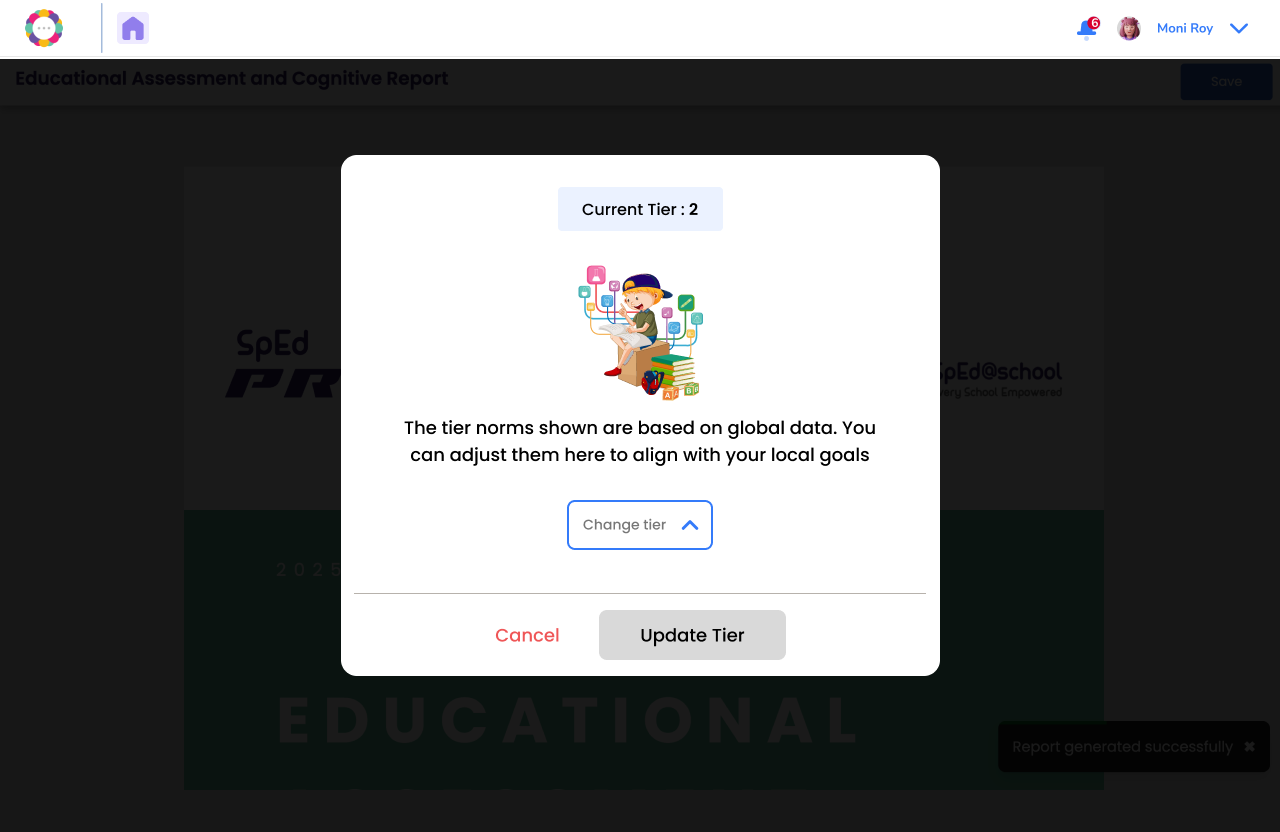
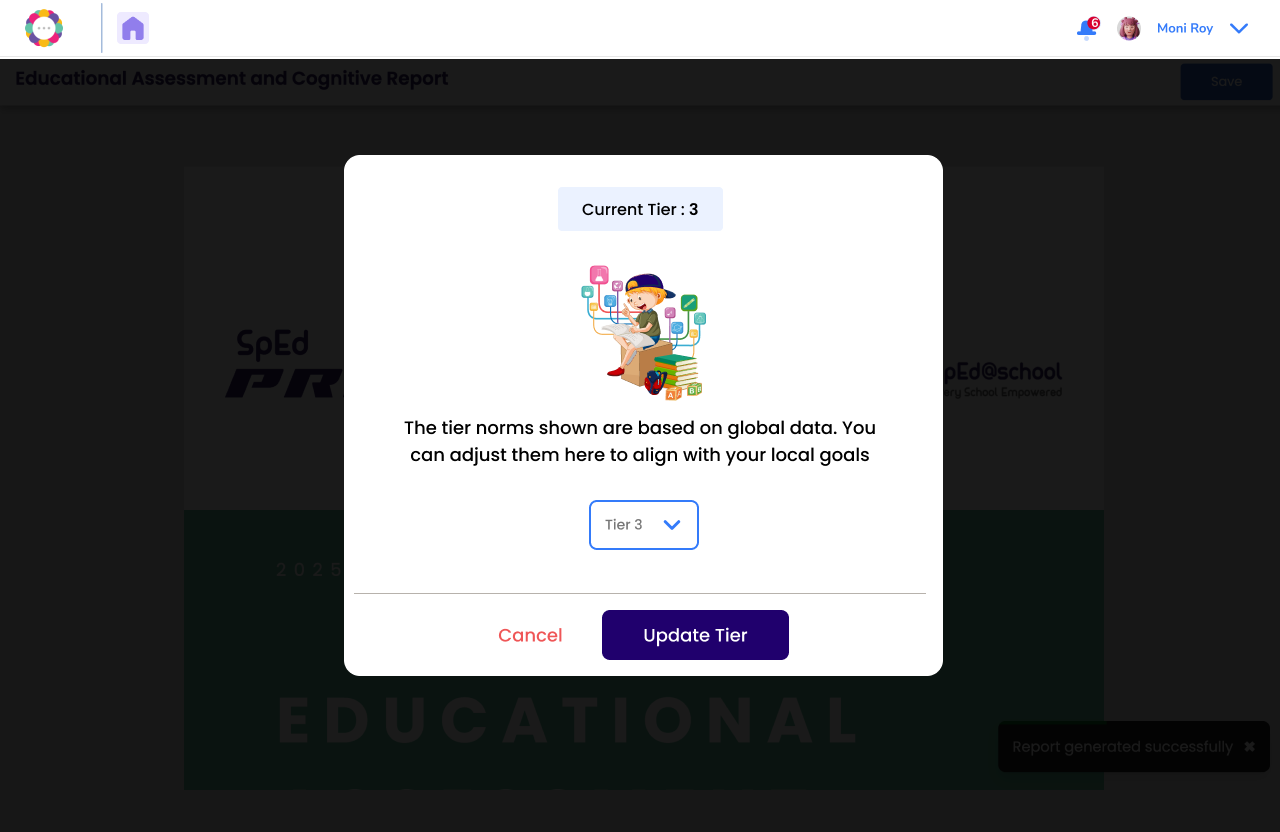
Step 3: Update the Tier
Tiers typically indicate the level of support needed:
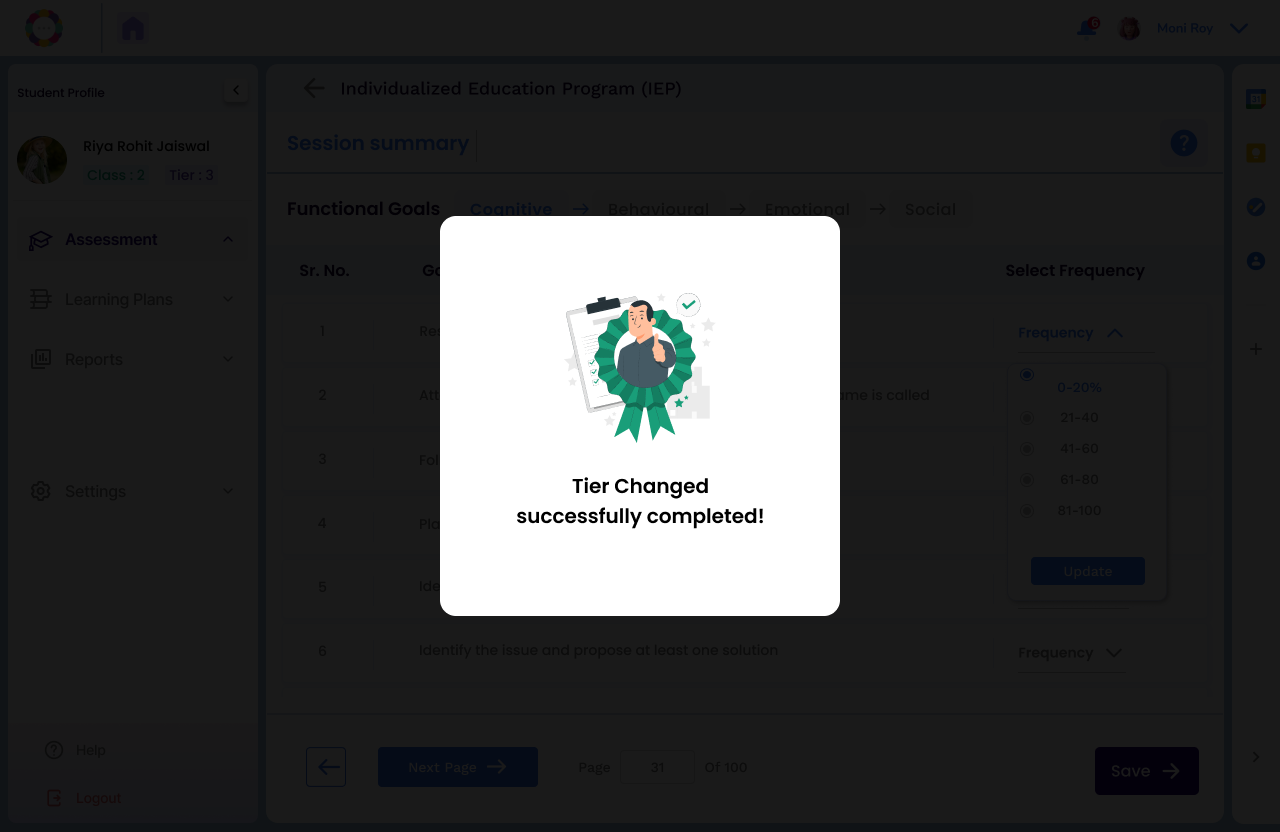
Step 4: Confirmation and Download
You can now choose to save and download the report with the revised Tier Change.