Login and go to the Student List page.
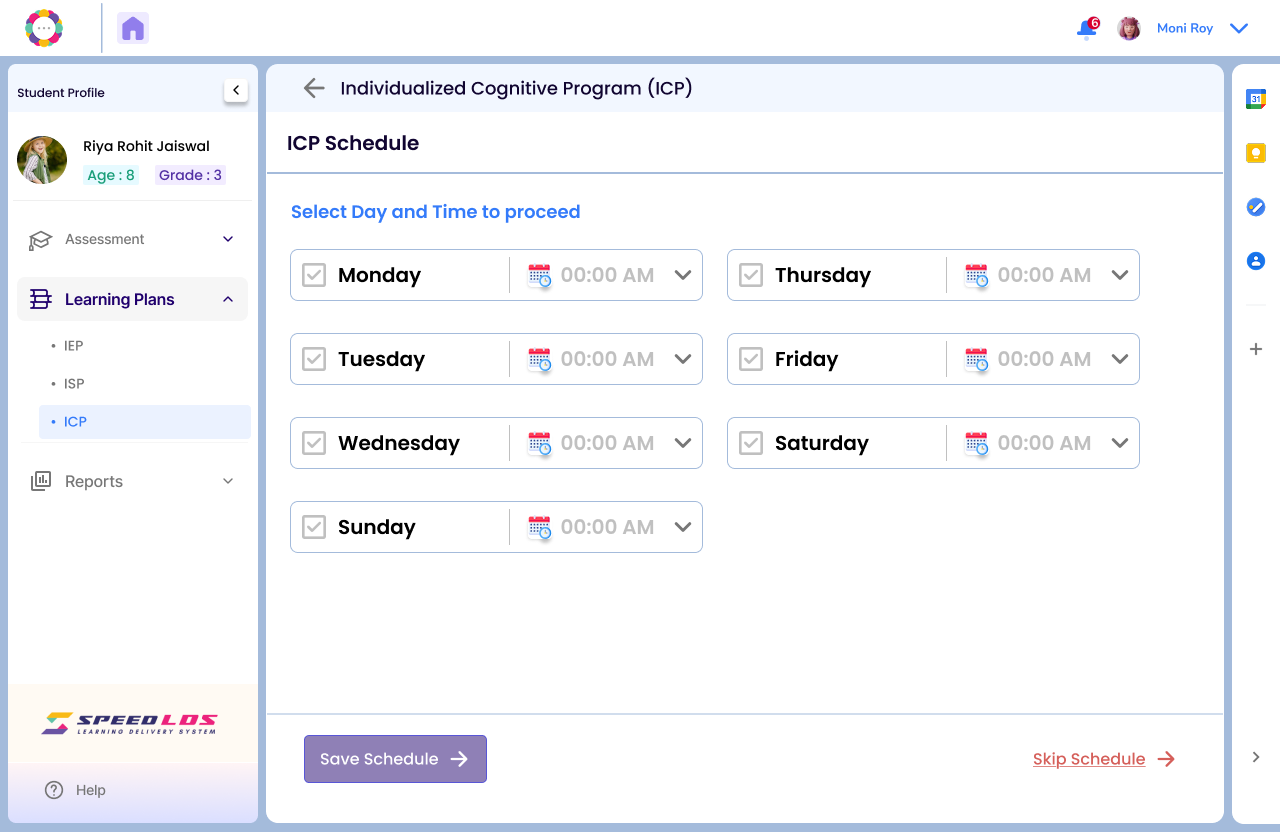
Select the desired student, go to the Learning Plan section, and click on ICP.
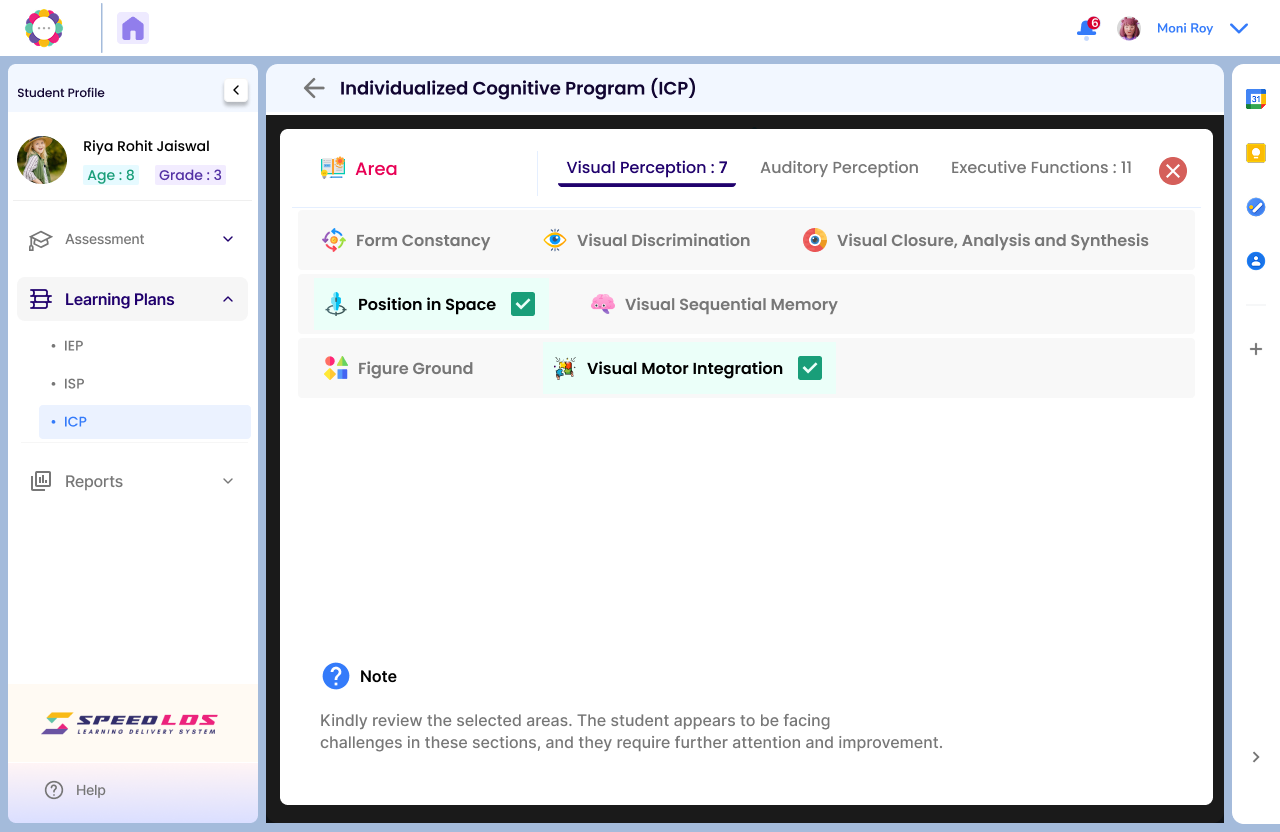
Click on Create to generate the system recommended ICP.
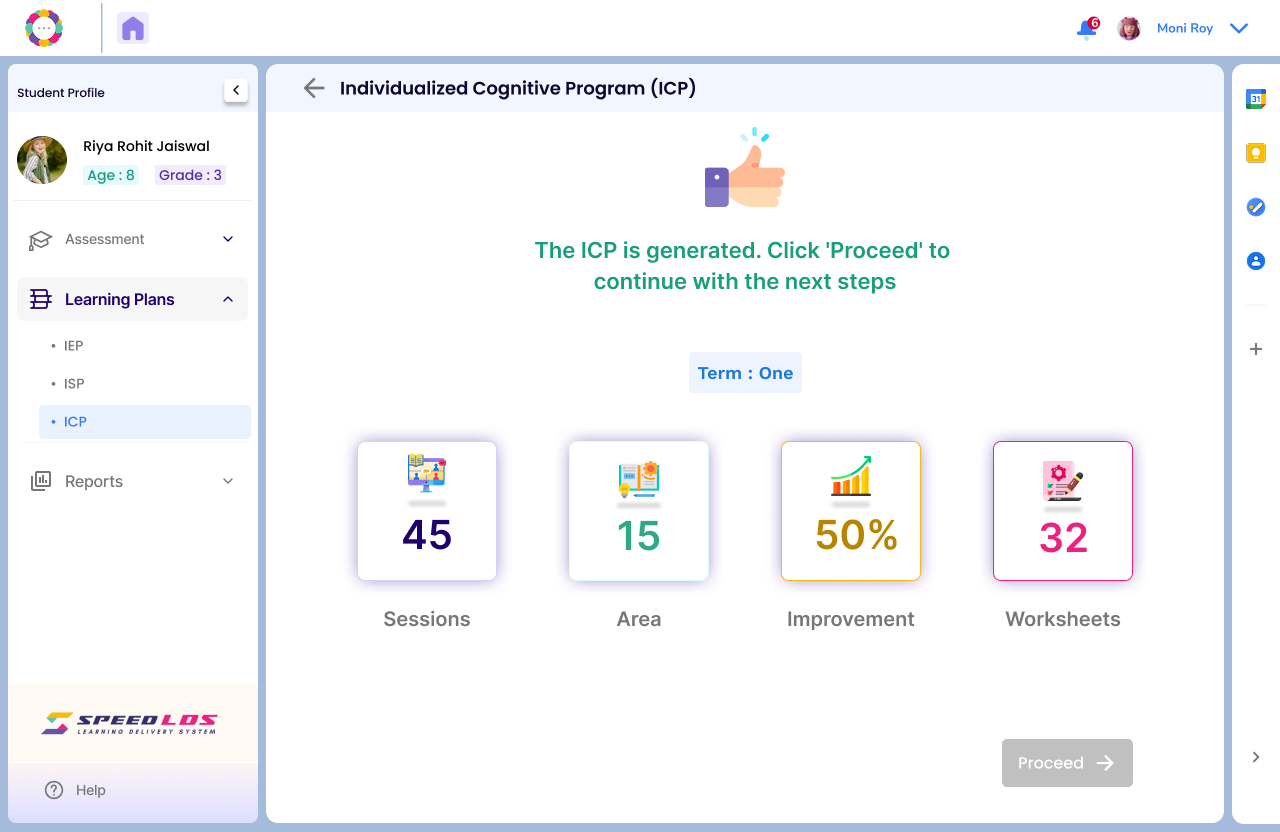
The page below shows number of sessions planned with other details for the Term.Click on proceed to be gin with sessions.
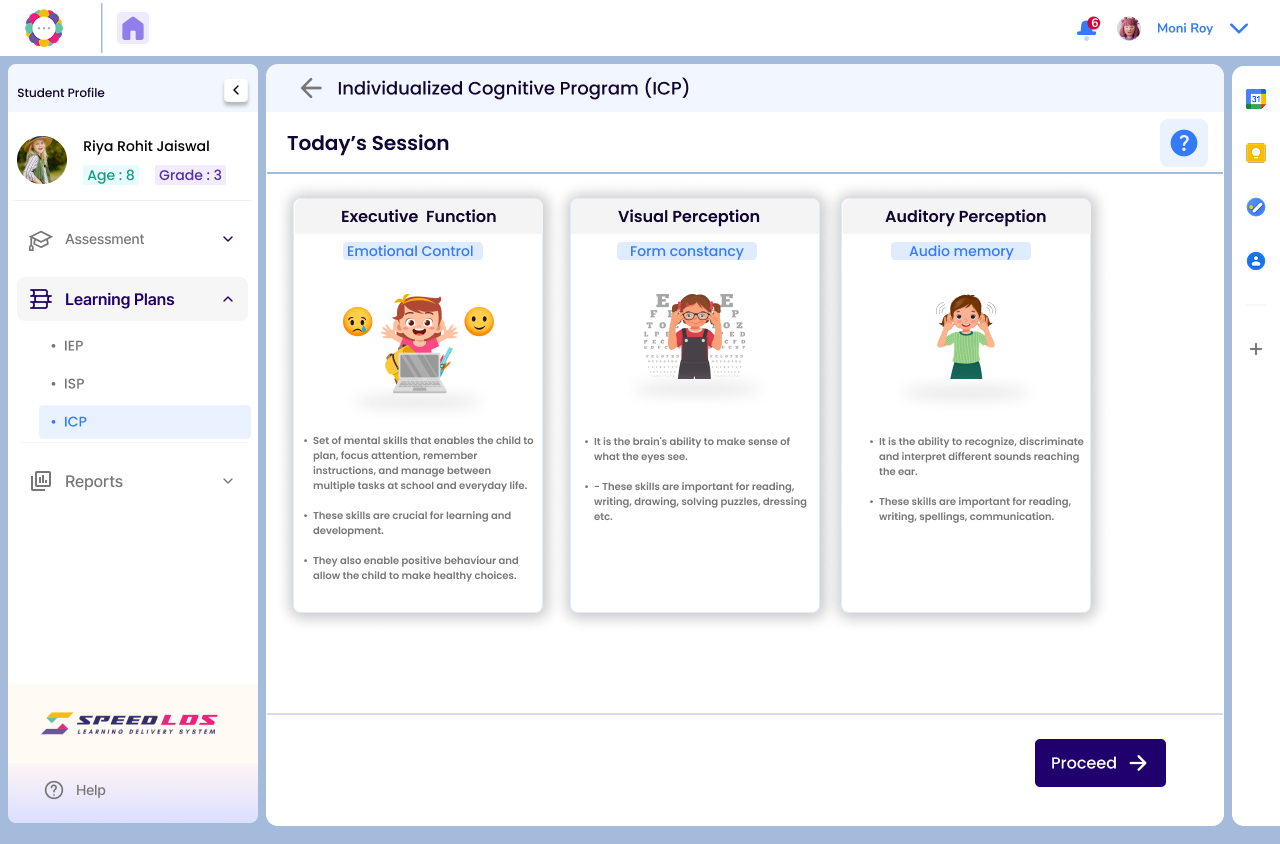
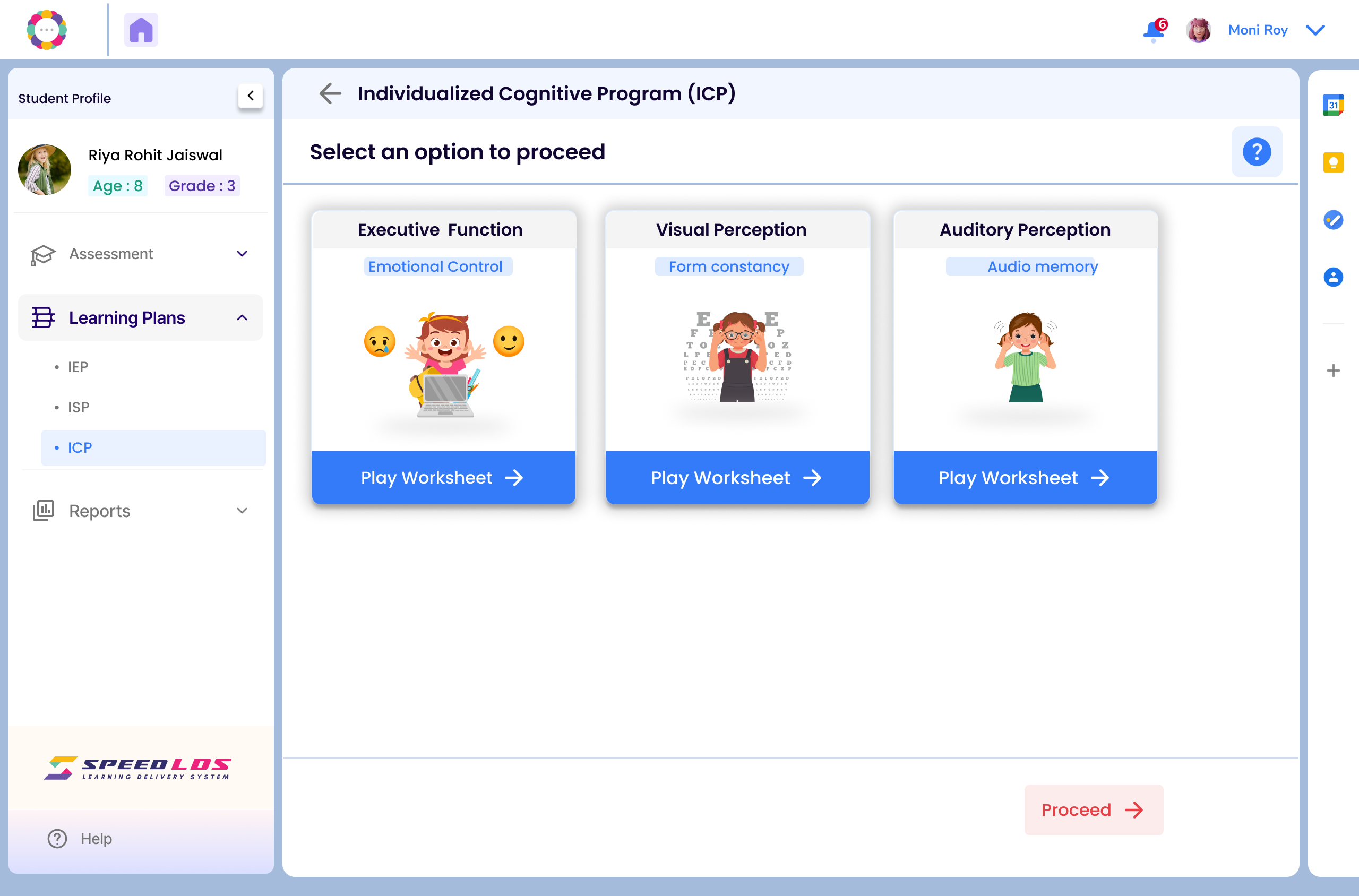
Select Today’s Session, then choose the desired Cognitive Task and click Proceed.
Click on Play Worksheet to begin the session
This screen appears after the teacher clicks “Play Worksheet”.
It launches the interactive, skill-based activity for the student.
The child responds to the instructions given on the worksheet and submits.
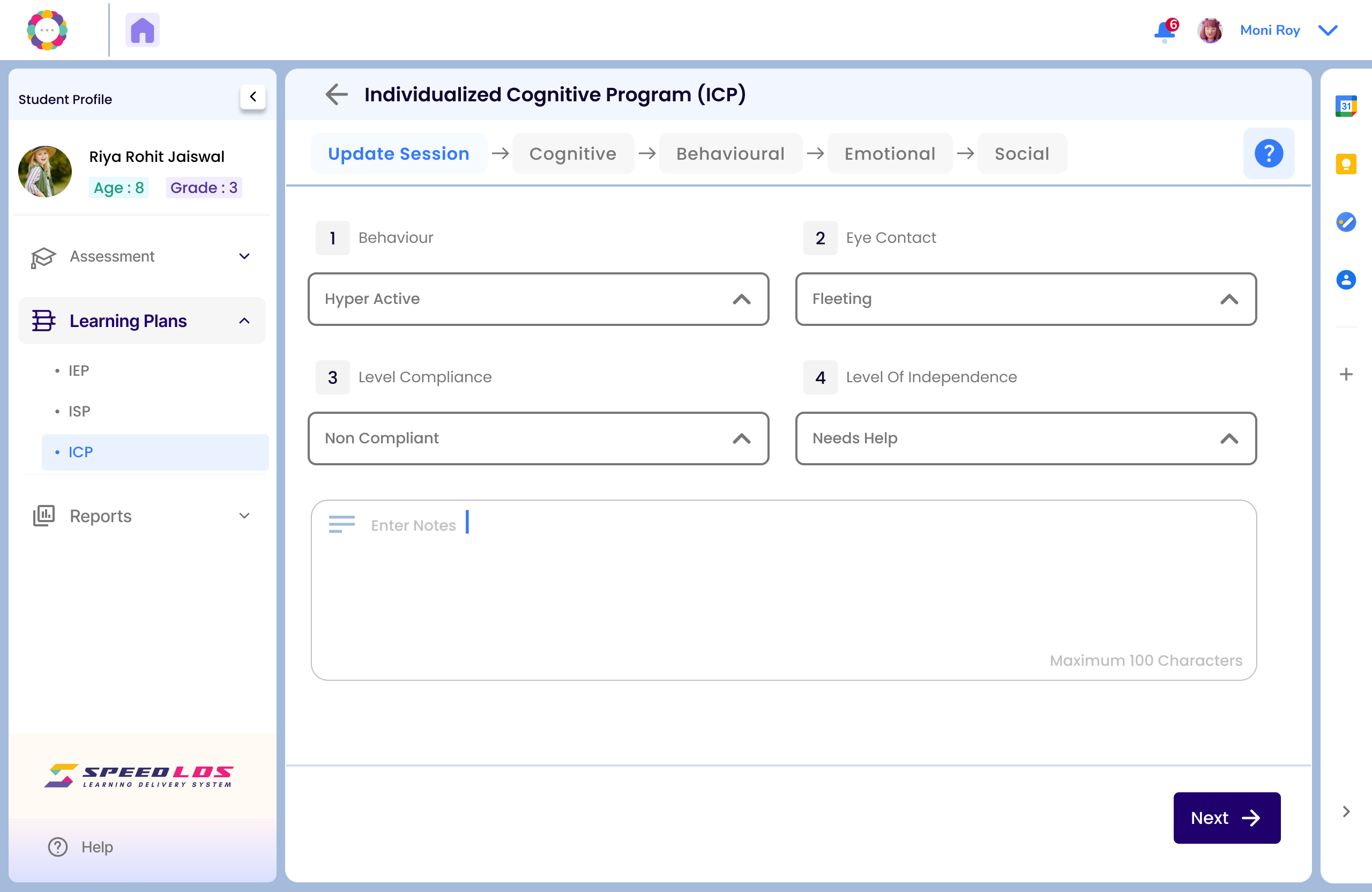
Post-session: Fill in observations regarding the child’s behavior, responsiveness, compliance, and add any relevant notes.