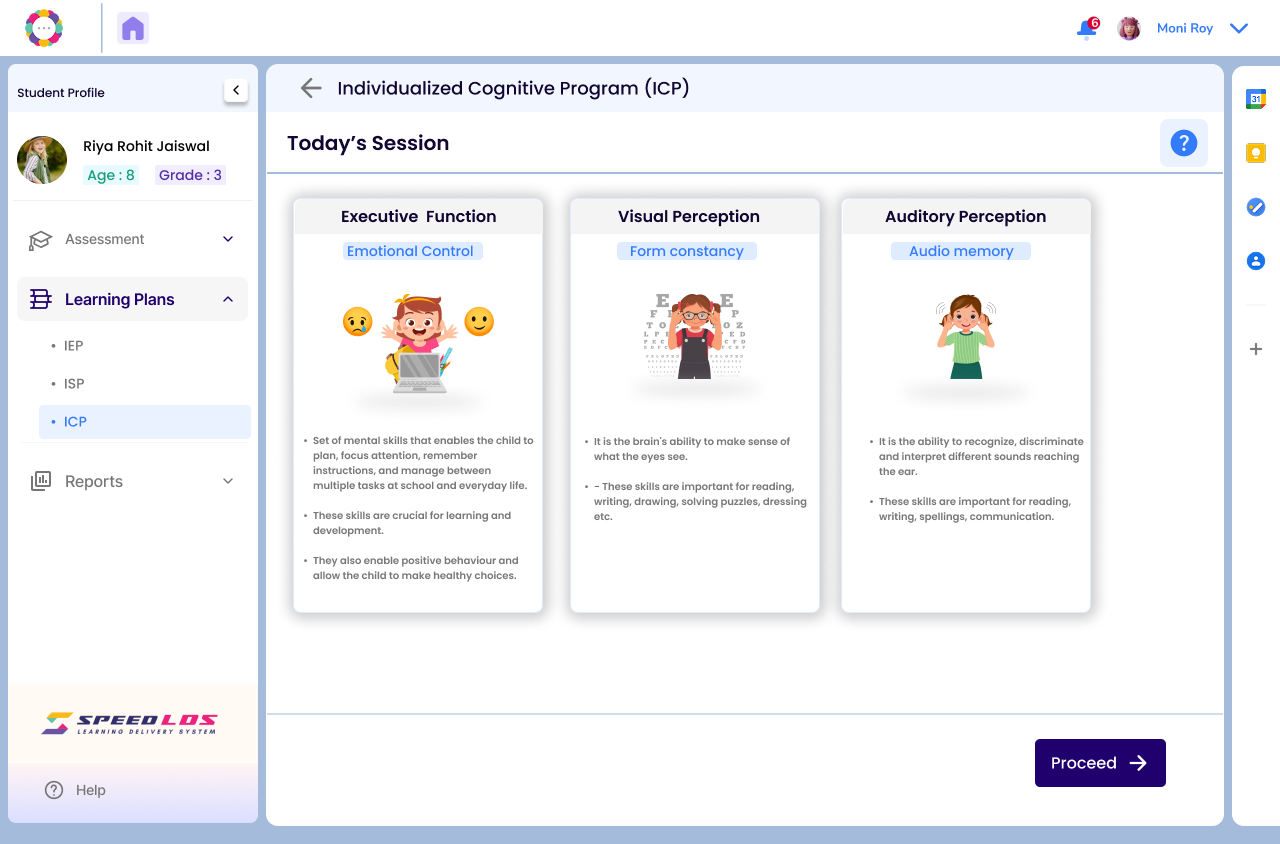
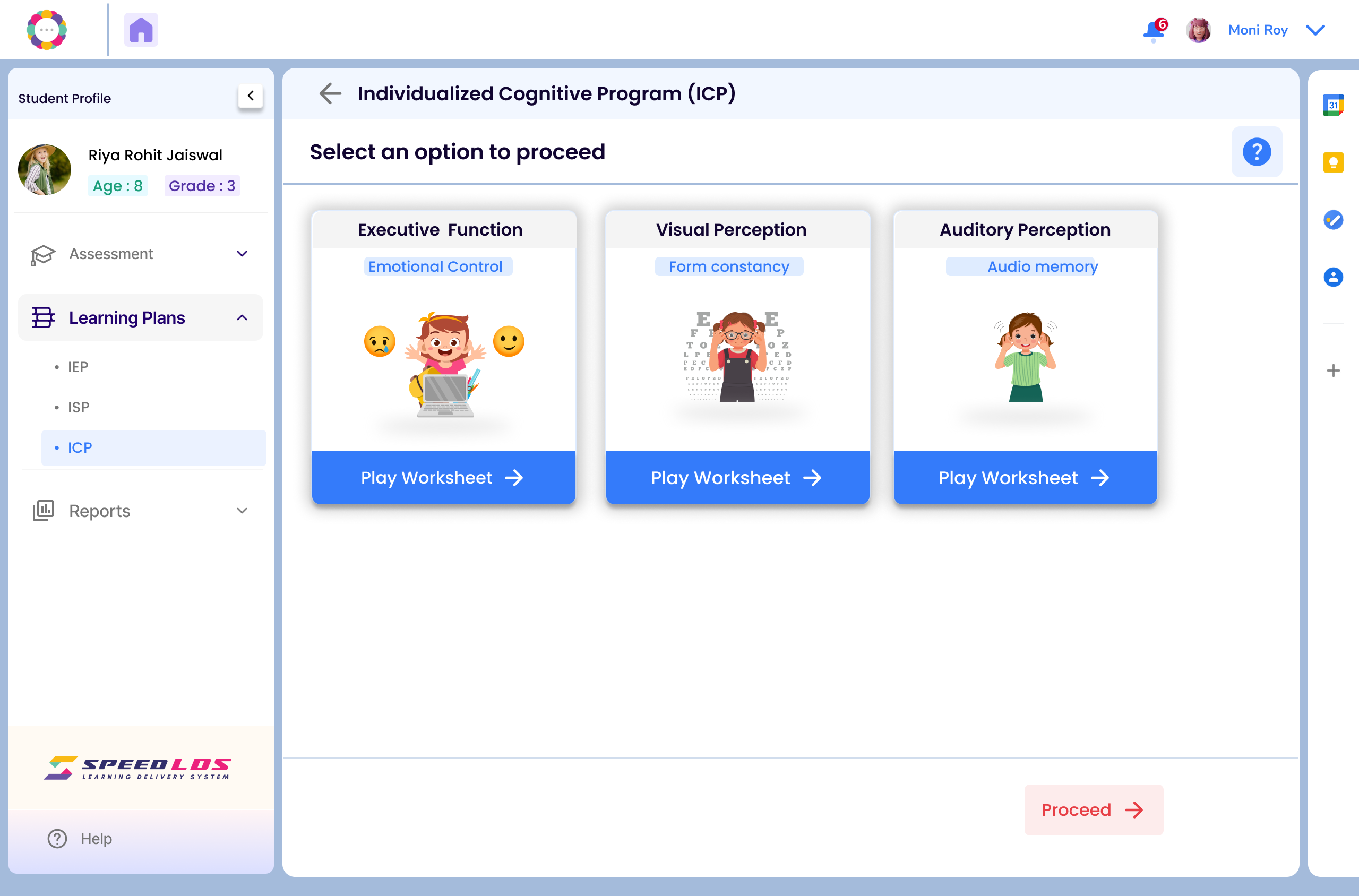
The Individualized Cognitive Plan (ICP) is automatically recommended after an assessment if cognitive or behavioral support is needed. It can also be created manually by the teacher or school expert when learning or behavioral challenges are observed.
Create Individualised Cognitive Plan (ICP):
Login and go to the Students List page.
Select the child’s name and click on ‘View’ icon on the right and you will be redirected to profile page.
On the left panel, under the student’s name, click on Learning Plans. Then click on ICP.
On the ICP creation screen, you will be prompted to select the cognitive areas that require support or intervention. (e.g., Concentration, Hyperactivity, Impulsivity, Working Memory, etc.)
Choose one or more areas based on the assessment findings or classroom observations. These selections will guide the goals and strategies recommended in the plan.
Click on Save and Next.
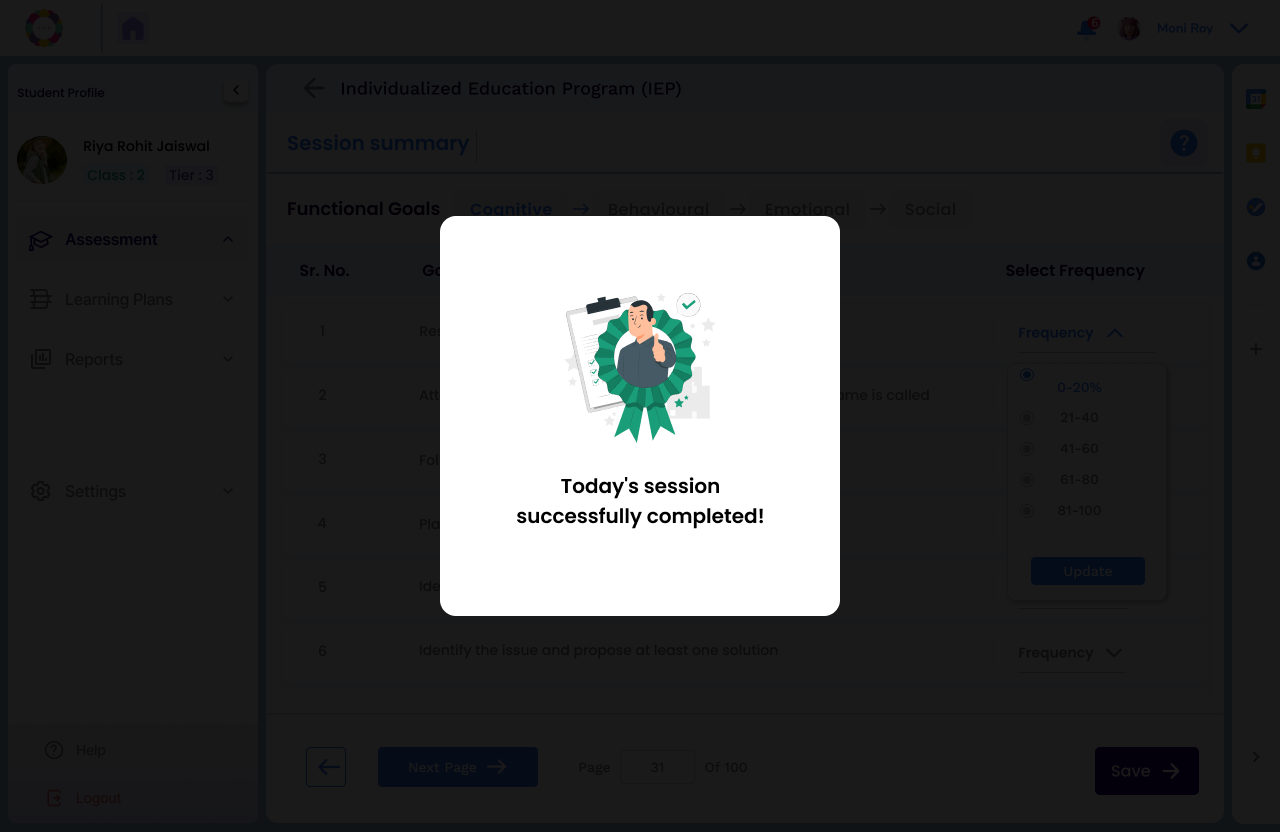
Additionally teachers can add Functional Goals.
For e.g.In the Functional Goals → Cognitive section, goals focus on classroom readiness—e.g., responding to verbal instructions or following 1-step commands.
Teachers can also add custom tasks and set tracking frequency (e.g., monthly) to monitor progress effectively.
Sometimes, other teachers may have already set some functional goals for the child, you may choose to add more or skip this step.
Once cognitive areas are selected, proceed to:
Set the training schedule by choosing the days and time slots for the sessions.
Click on Save schedule to save it or Skip schedule to schedule later based on teacher availability.
This helps ensure consistent implementation and allows coaches to plan their availability accordingly.
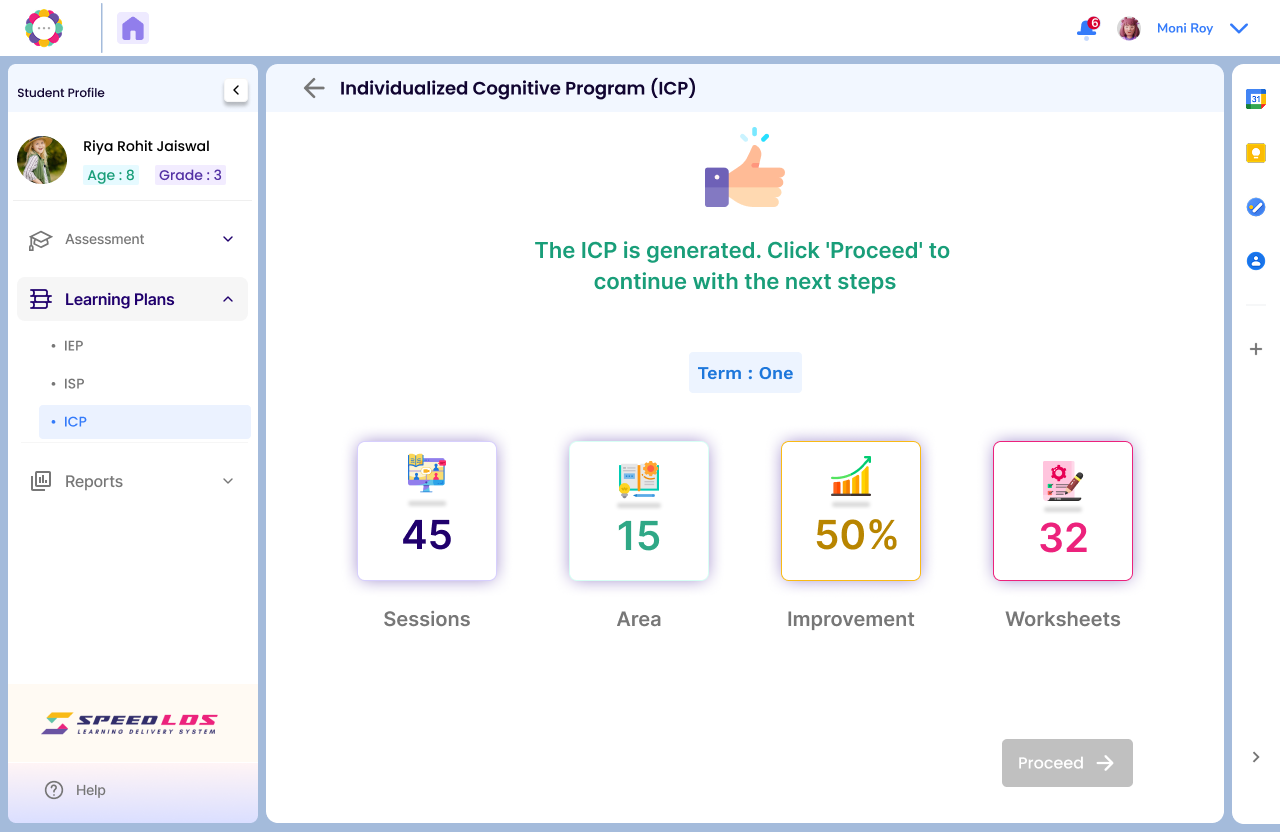
You will see the page showingICP is successfully created.