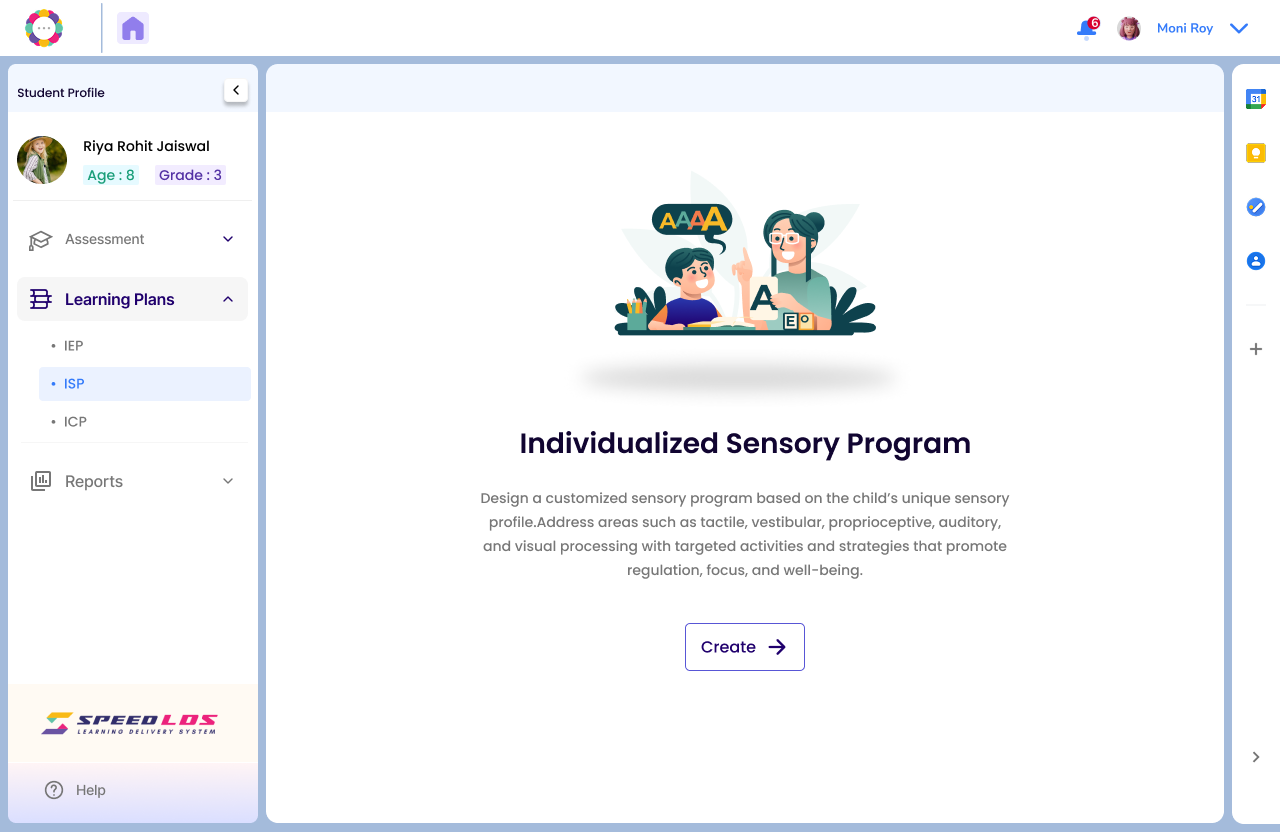
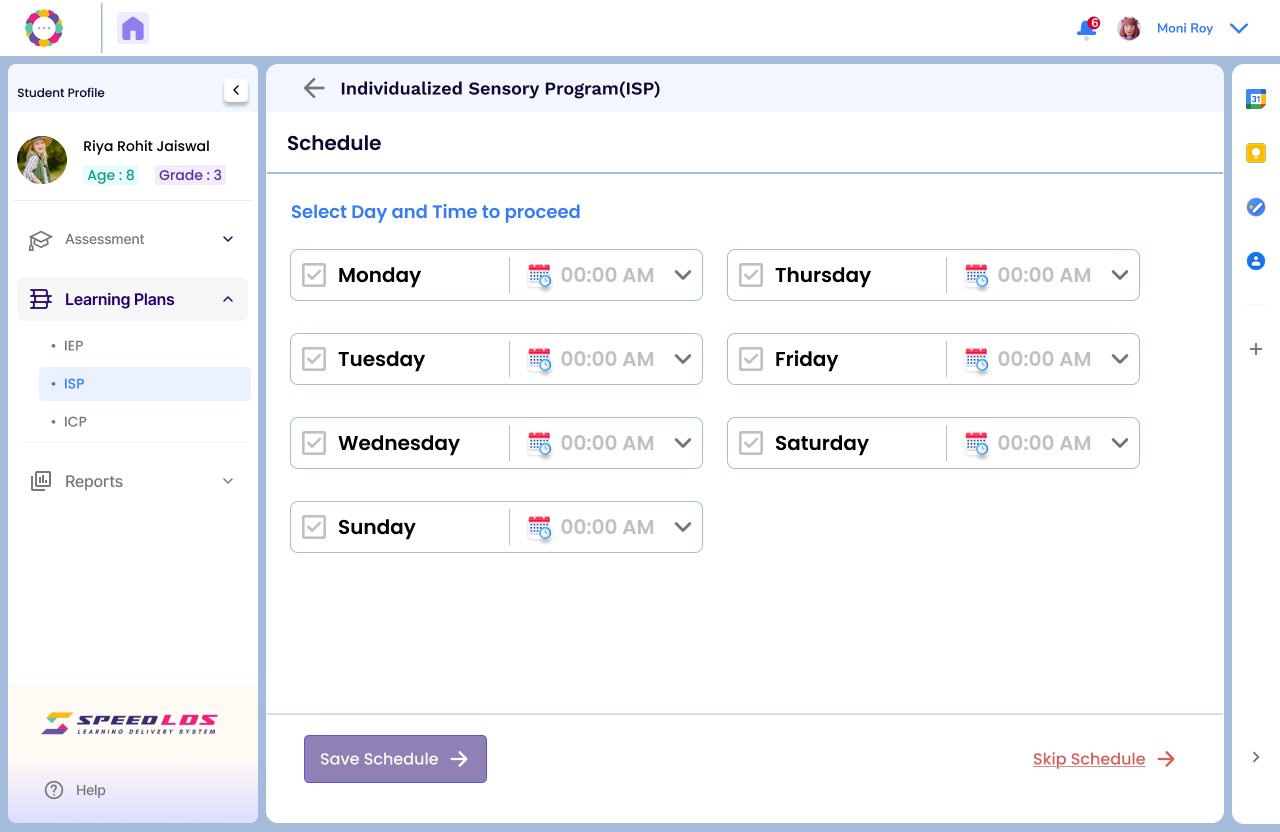
Select the desired student, go to the Learning Plan section, and click on ISP.
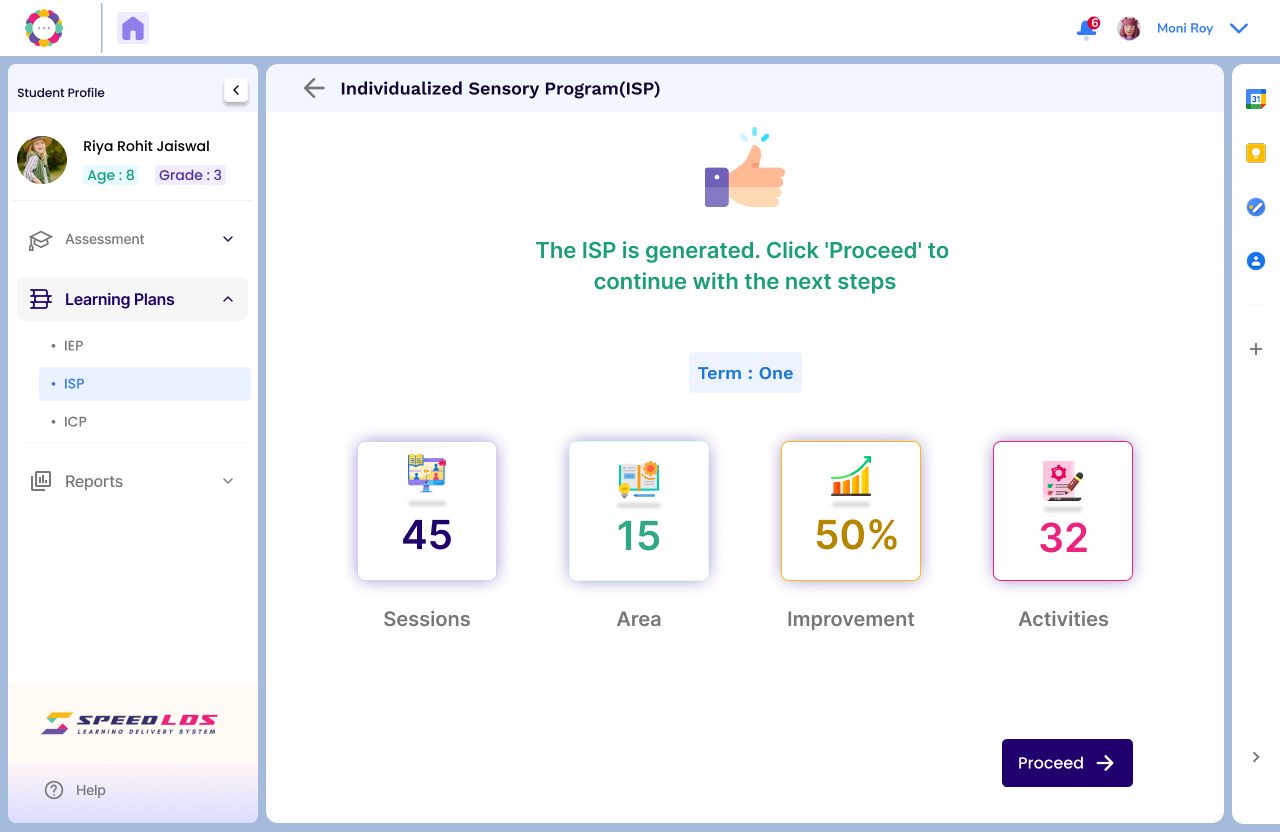
Select Today’s Session, then choose the desired ISP Task and click Proceed.
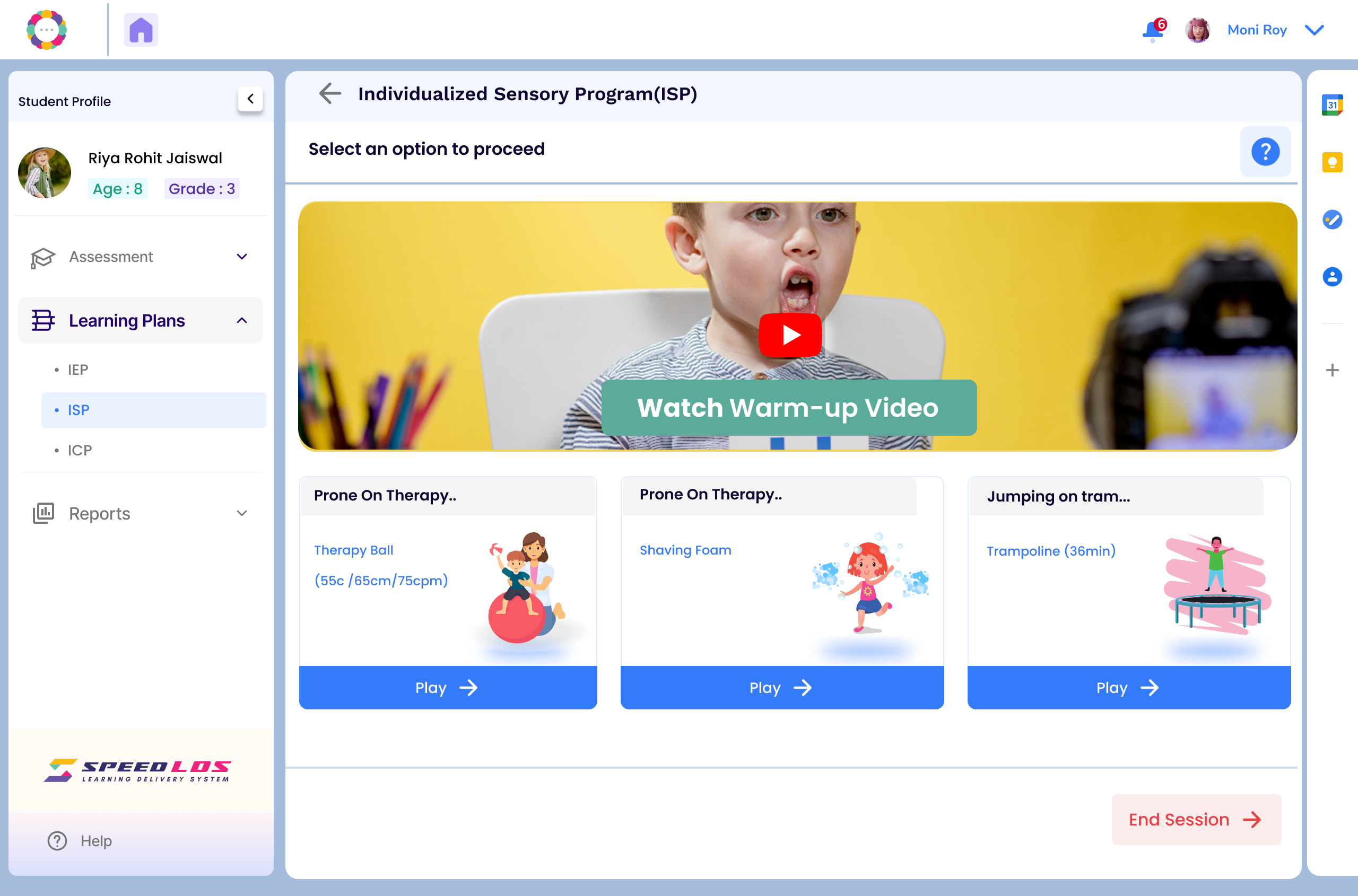
The screen below displays an activity video that helps both the child and the expert understand the task. The child can perform the activity by watching the related video demonstration.
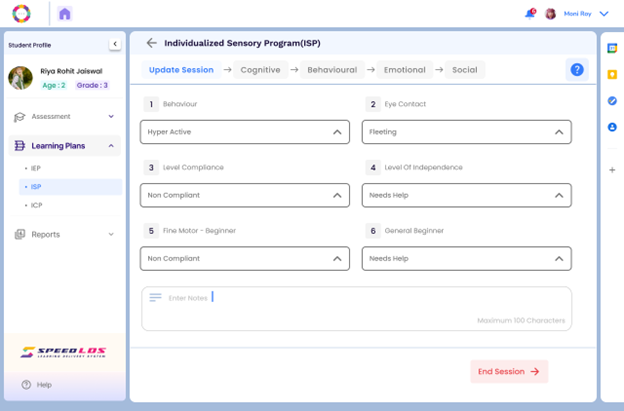
Post-session: Fill in observations regarding the child’s behavior, responsiveness, compliance, and add any relevant notes.
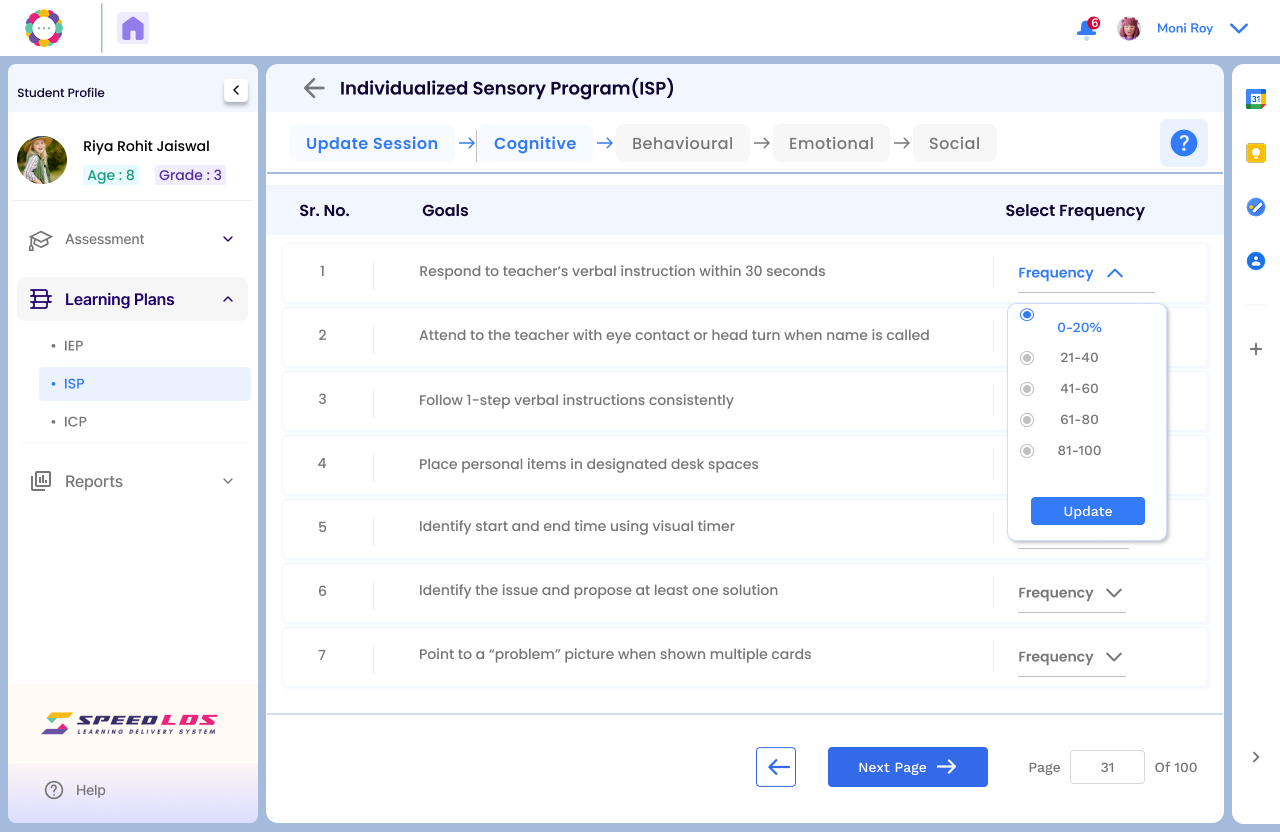
The teacher can also fill in the observations related to the functional goals depending on the frequency set ie. weekly, monthly, etc.
Teacher can select the range of improvement if any, seen in the student.
Once the coach completes the session, the screen below will appear, confirming that the session has been successfully completed.