Once your account is created, our team will share your login credentials and a secure URL.
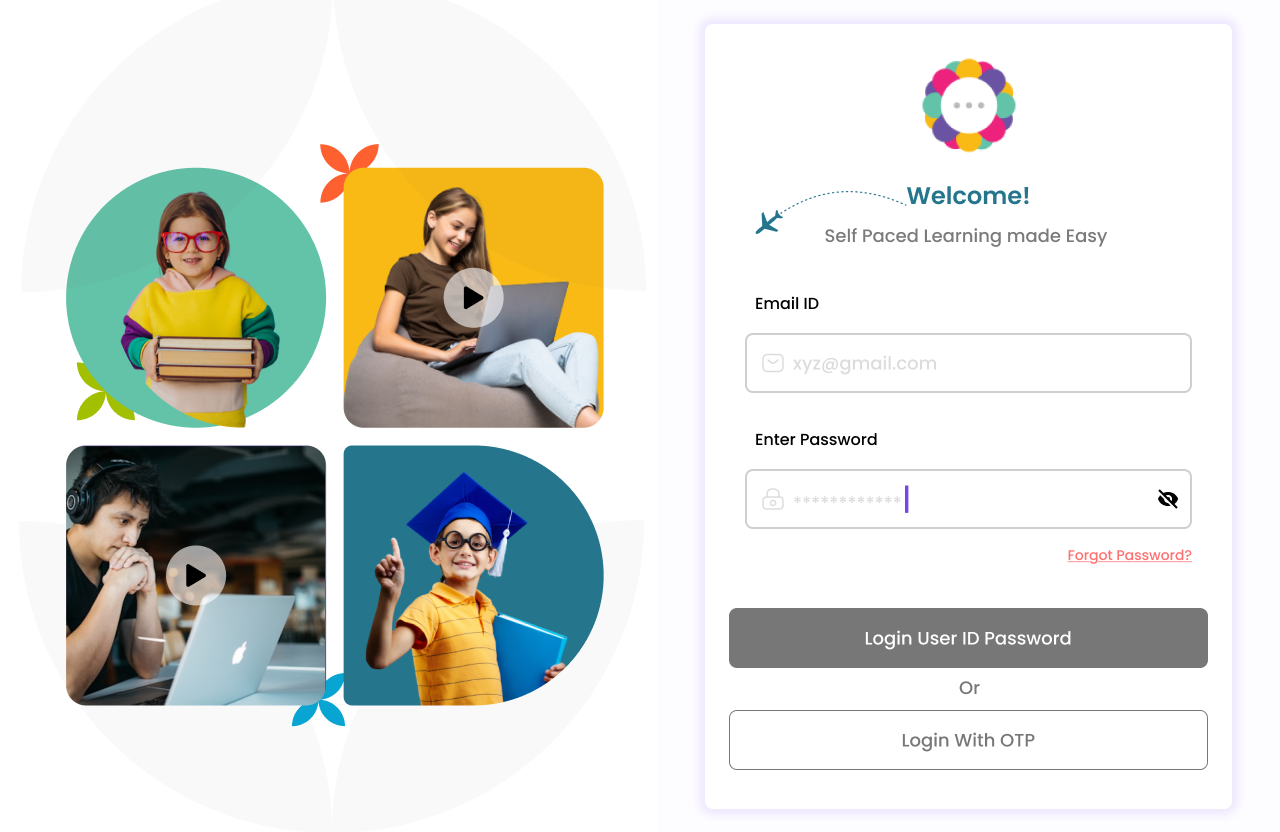
Click the provided URL – This will take you directly to the login page.
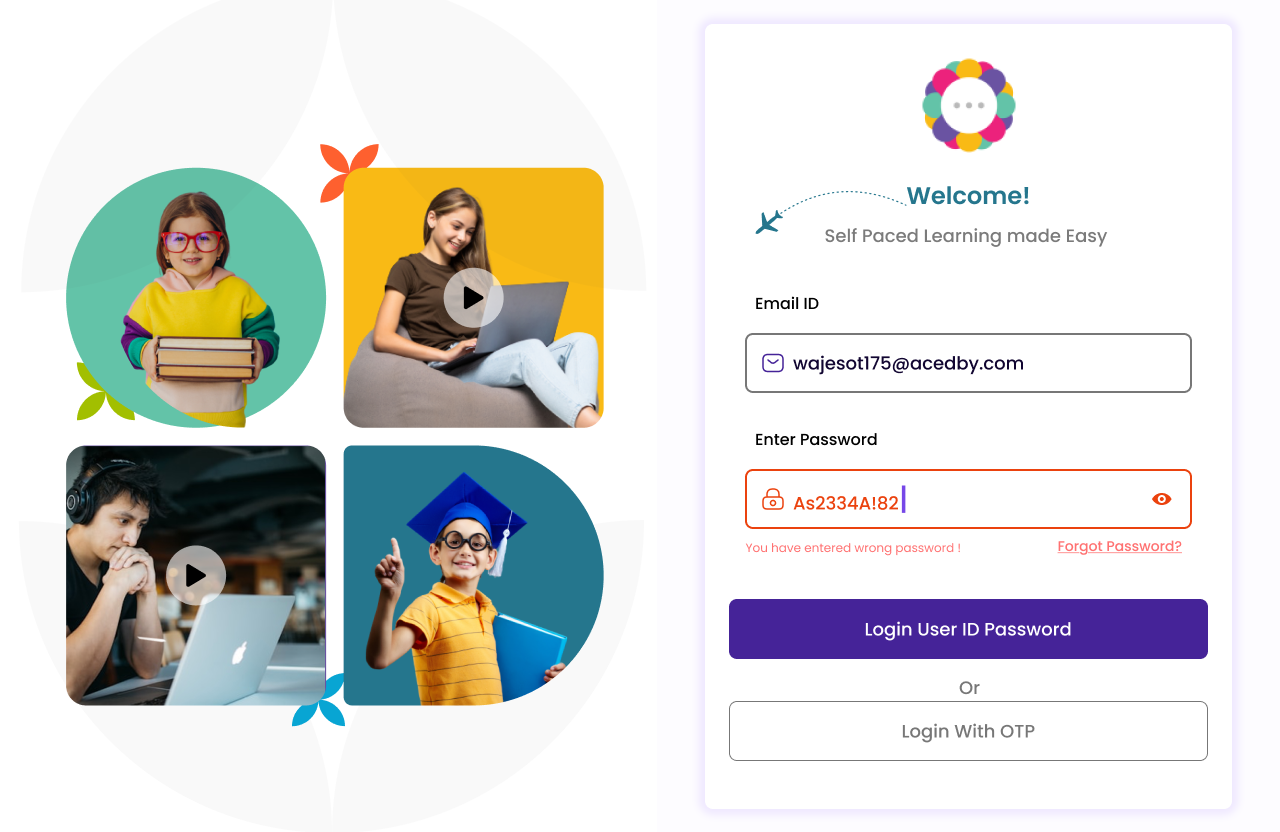
Enter your User ID and Password as shared.
Click “Login” to access your personalized dashboard.
An alternative way to login effortlessly is using an OTP (one-time password).
Click on Login with OTP to receive the OTP in your registered mail id.
Forgot your password? These quick steps will help reset it:
Go to the login page
Click on “Forgot Password?”
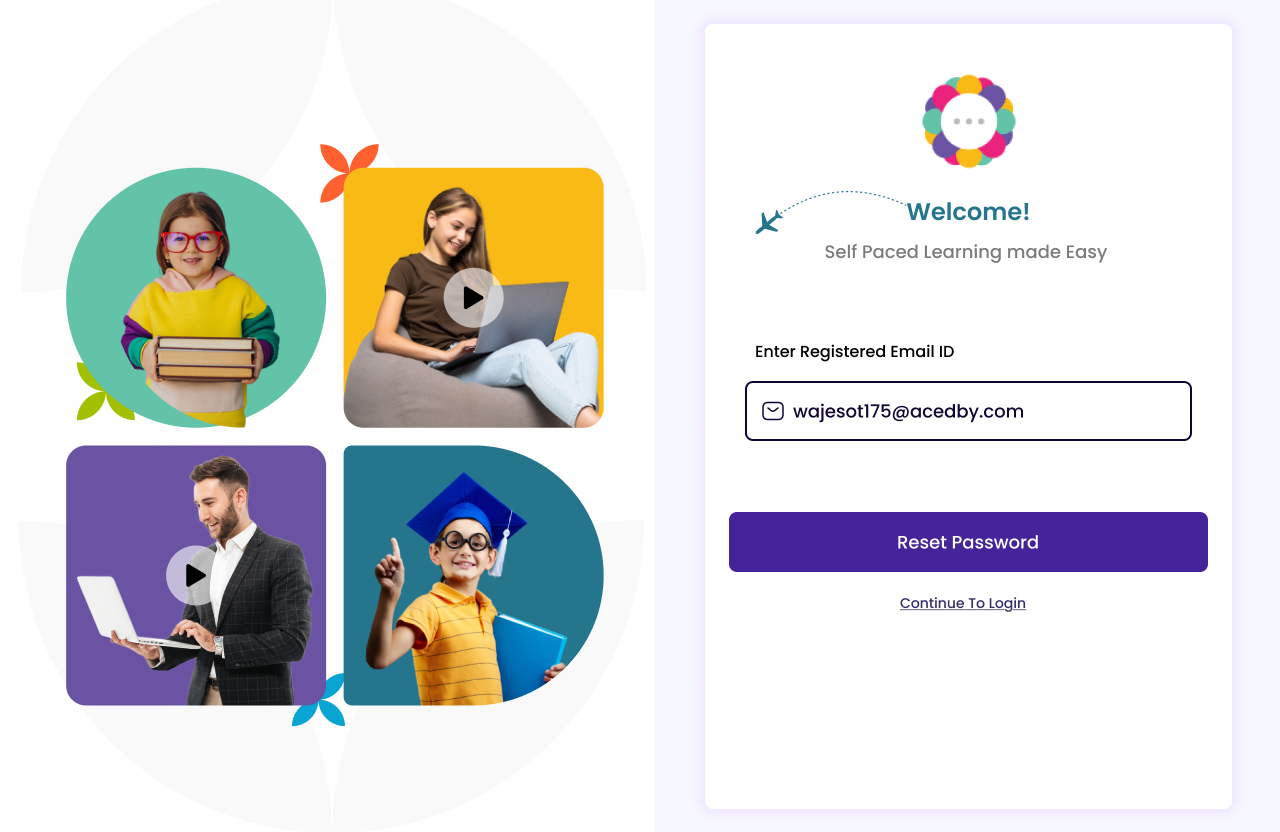
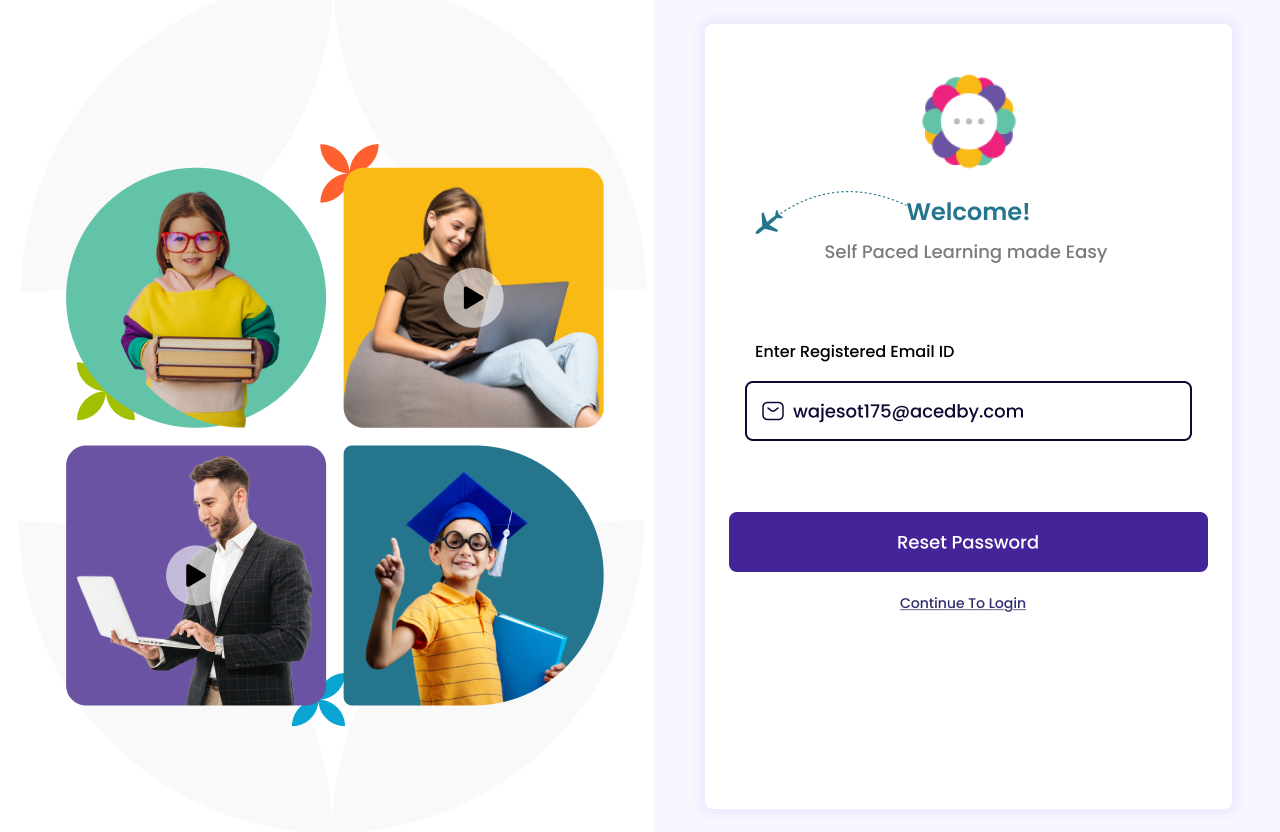
Enter your registered email ID.
Check your email for the reset link (check your spam/junk inbox if you have not found the mail.)
Click the link received in the mail to create a new password.
Log in with your new password
Language Toggle: Instantly switch between English and Arabic with a single click for a bilingual experience.
The portal is fully compatible with screen readers, supports dyslexia-friendly fonts, and designed to meet diverse user needs.