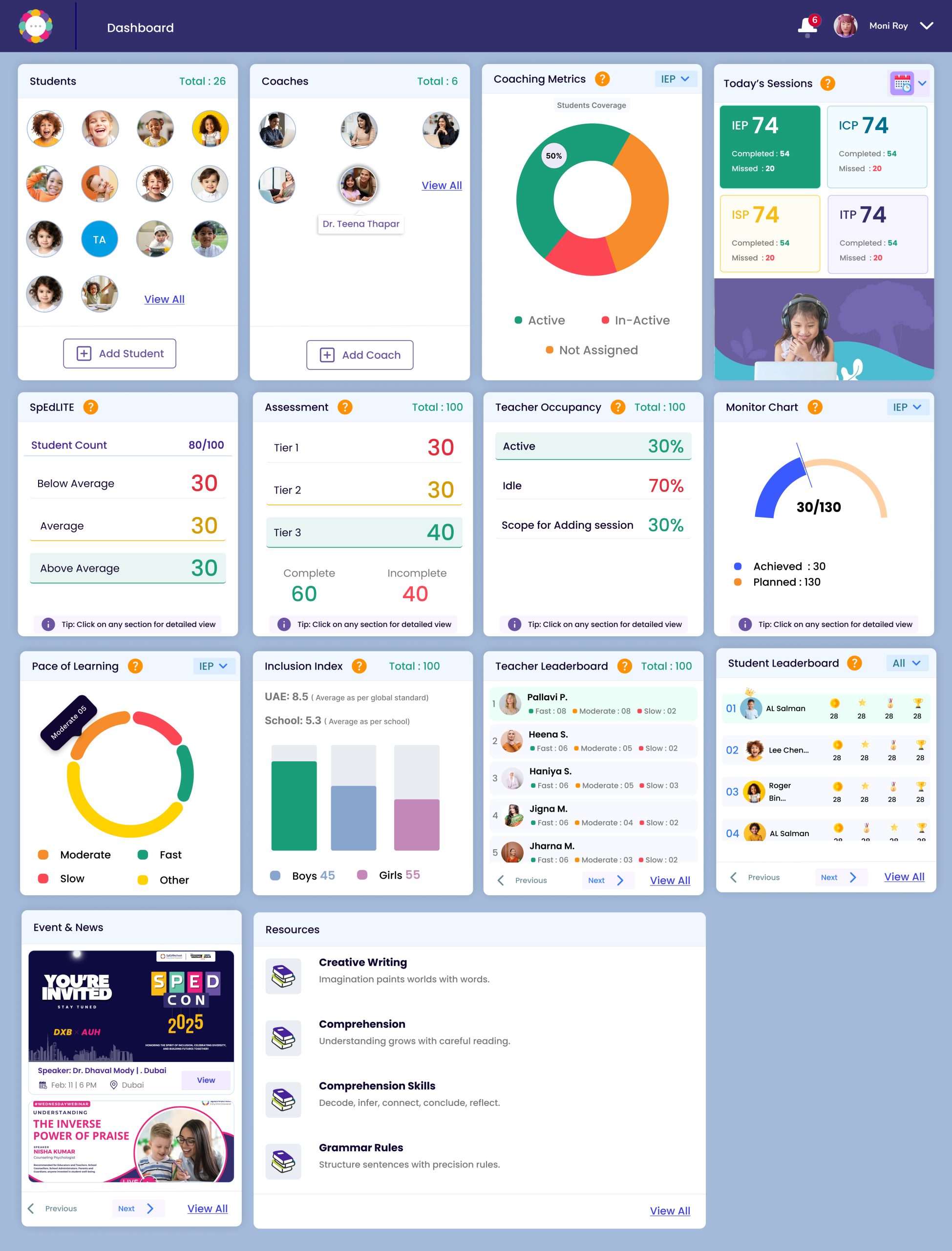
The SpEd Junior Assessment is designed to evaluate foundational skills in early learners through age-appropriate tasks. It is recommended to children who fall outside the purview of the SpEd Probe.
To begin with the assessment Login to Dashboard
2. Go to the Student section.
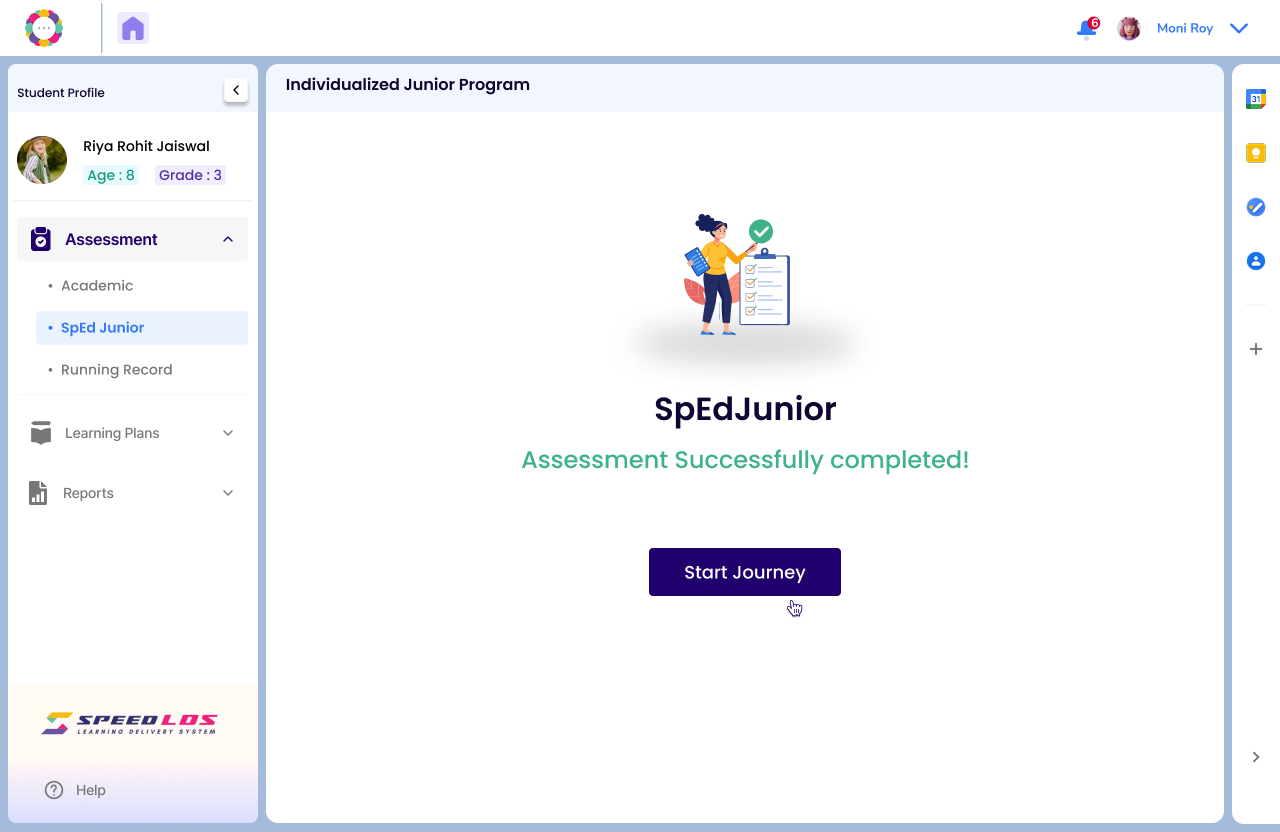
Click on Assessment on the left panel on the Student Profile page.
Click on SpEd Junior.
Click on Start button to begin the assessment.
The SpEd Junior Assessment is divided into three developmental levels based on the child’s age:
Beginner Level: Ages 3.0 to 4.0 years
Intermediate Level: Ages 5.0 to 6.0 years
Advanced Level: Ages 7.0 to 8.0 years
Each level has a set of three alternative paper set A, B and C.
The teacher can select the level accordingly and choose from any of the three sets to give the printed copy to the child to work on.
While entering the student’s responses on the SPEED portal, select the same level and set as given to the student.
The assessment is based on 5 areas of Literacy and Numeracy each.
Though the total assessment is for 40 minutes, students can take breaks between sections.
The recommended time for each subtest is given. However, it is important to note the time actually taken by the student to complete each section.
Once the child has completed the test, teacher needs to upload an image of the sheet with the responses.
Enter the responses as per the child’s assessment sheet in the system indicating if its Correct, Incorrect or Not Attempted under Response Type.
Once all the sections have been uploaded and responses entered, the Assessment is successfully completed.
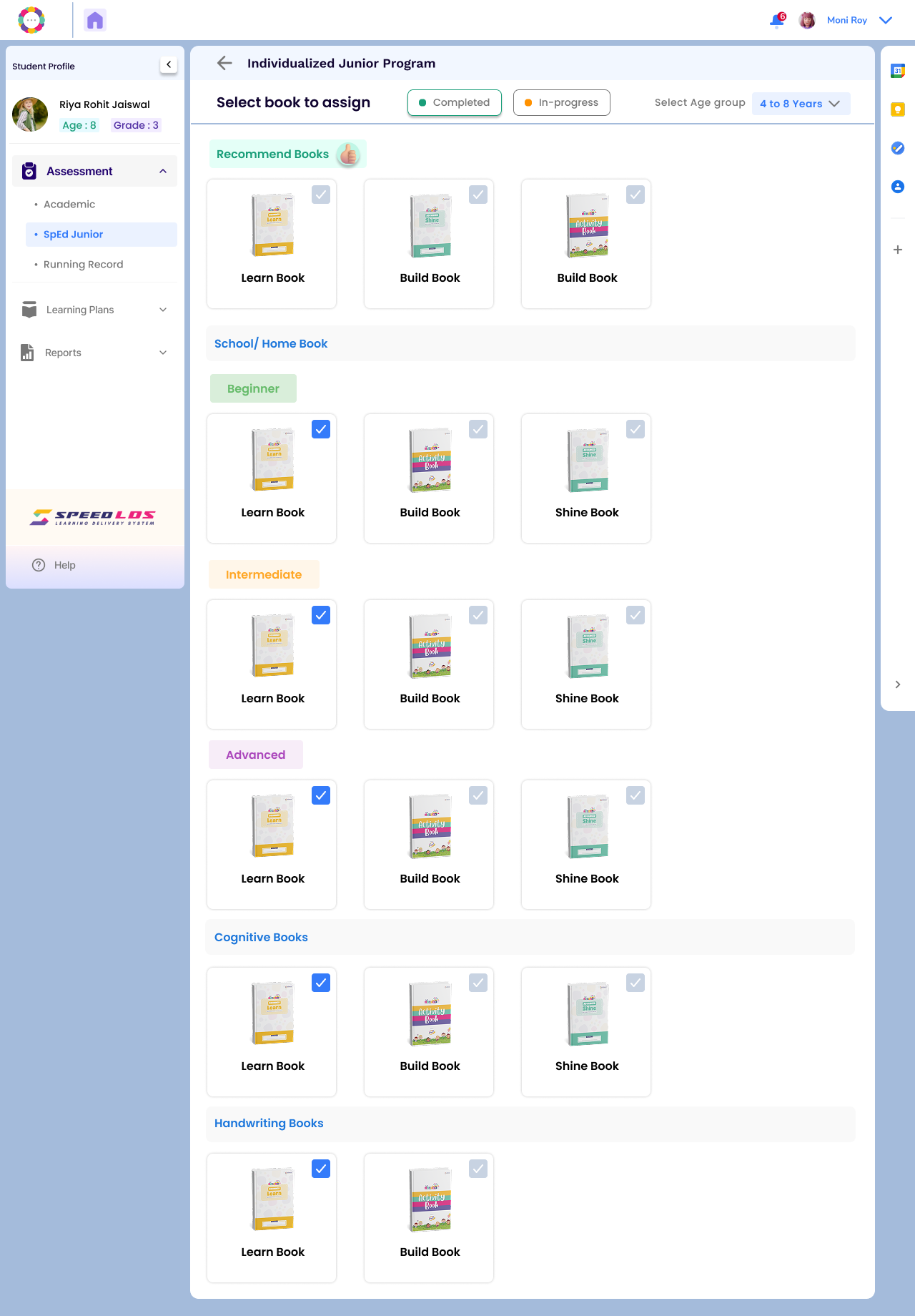
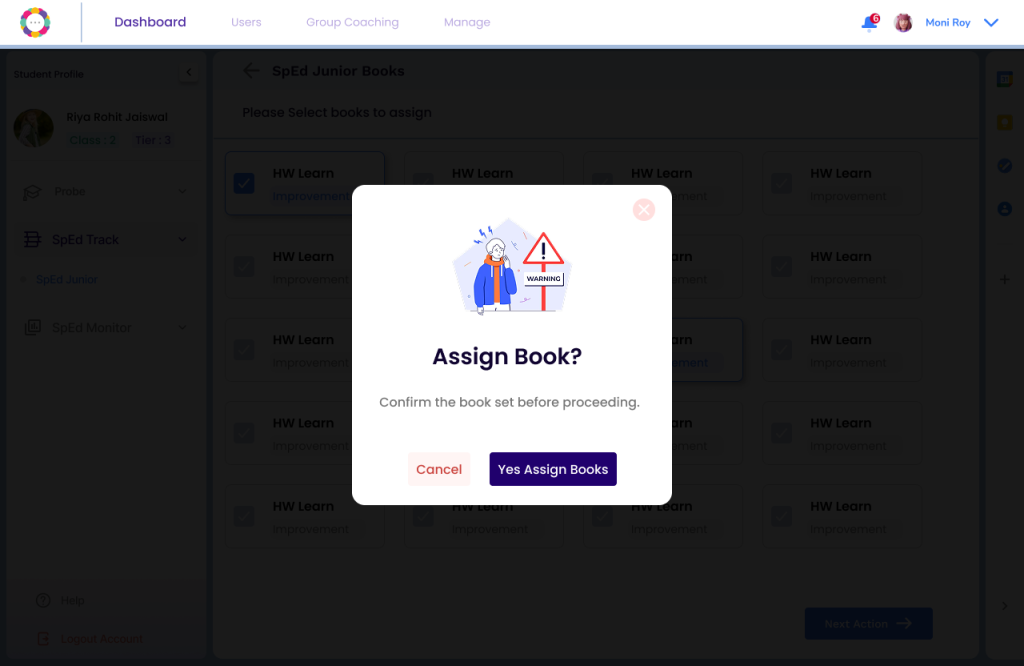
You could then Assign Books accordingly.
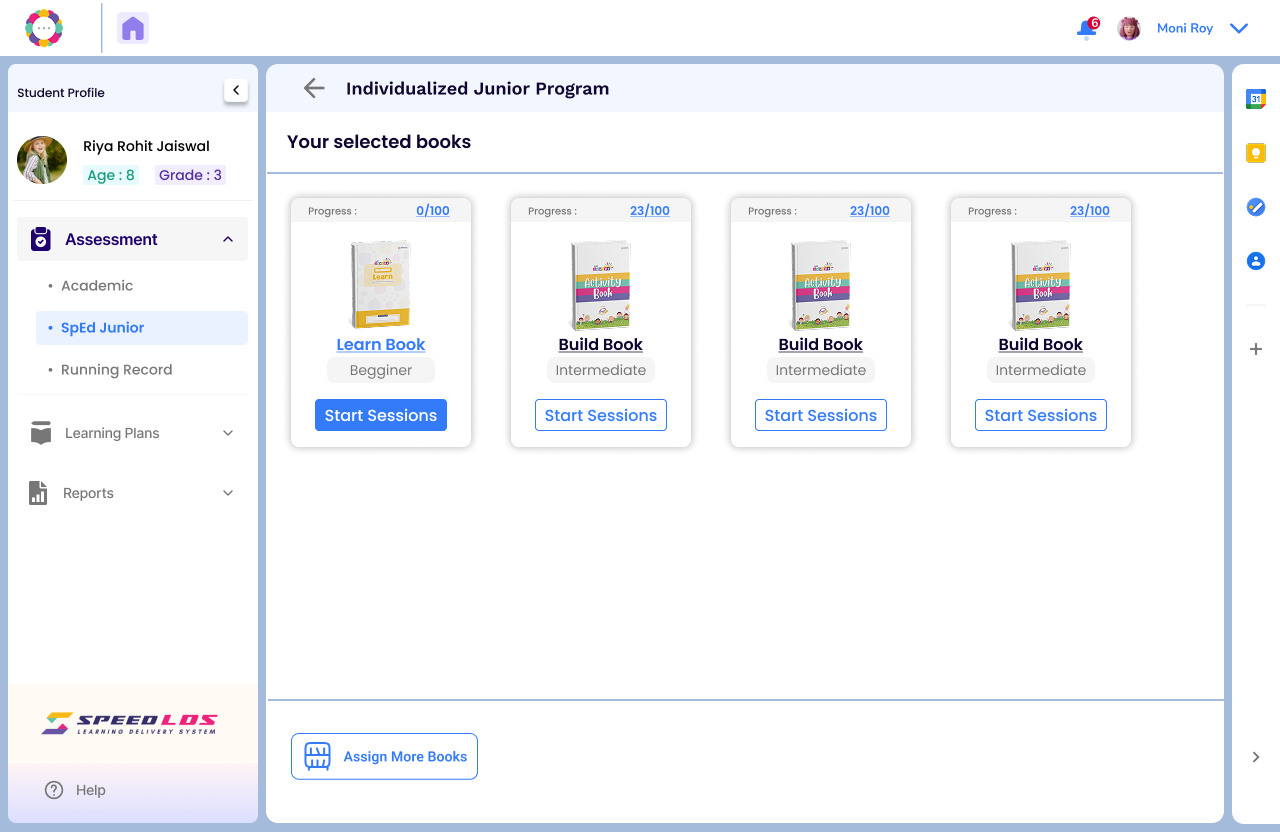
The SpEdJunior series is divided into three progressive levels: Beginner, Intermediate, and Advanced, each containing three books Learn, Build and Shine.
The books are in the areas of literacy, numeracy, cognition and handwriting.
It is recommended to assign maximum 5 books for a child.
Assign and confirm.
Individualised Junior Plan (IJP)
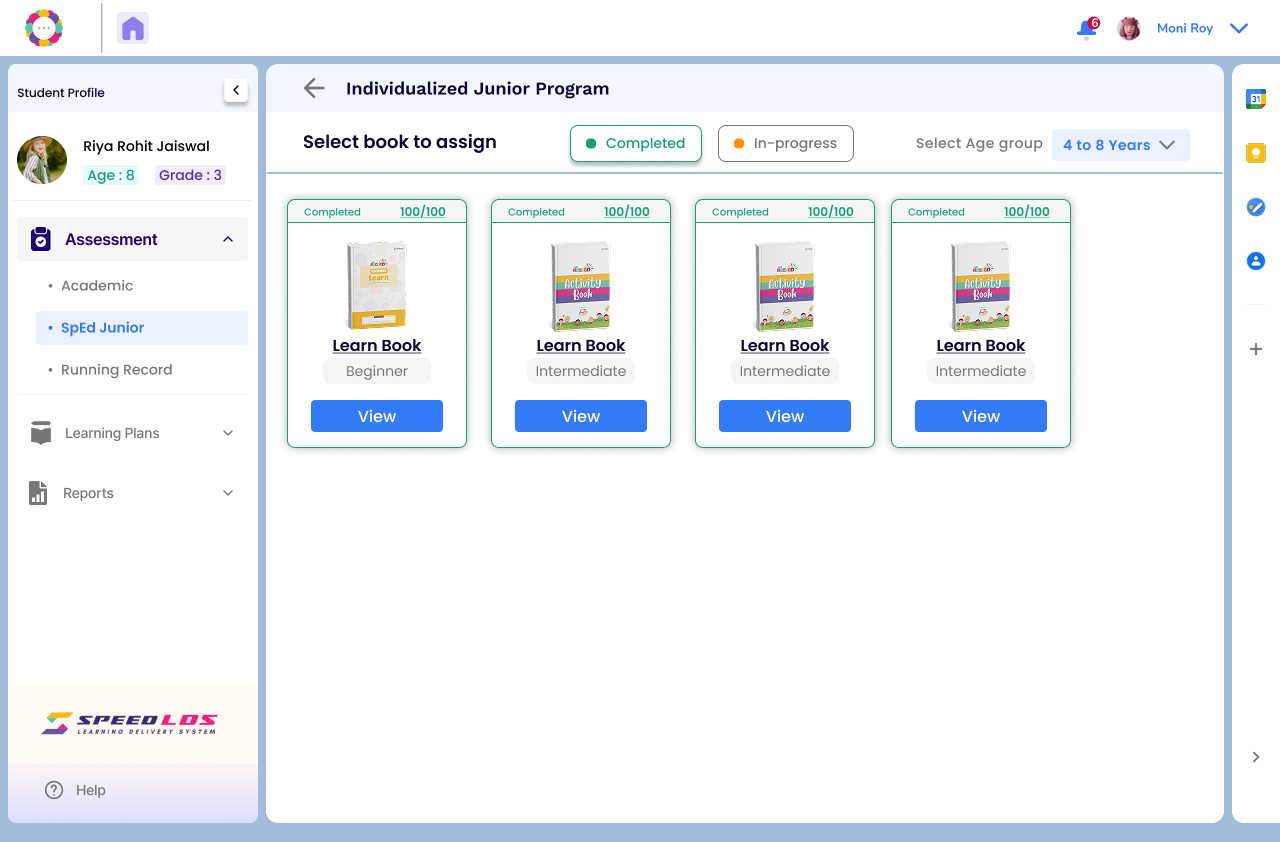
To conduct SpEd Junior Sessions, choose the Book that you are teaching from and click on View Details.
Click on Today’s Sessions and upload the sheet that the child has worked on. Enter the marks in each section and click on End Session.
For handwriting sessions, put additional observations as mentioned in the screen below and submit.